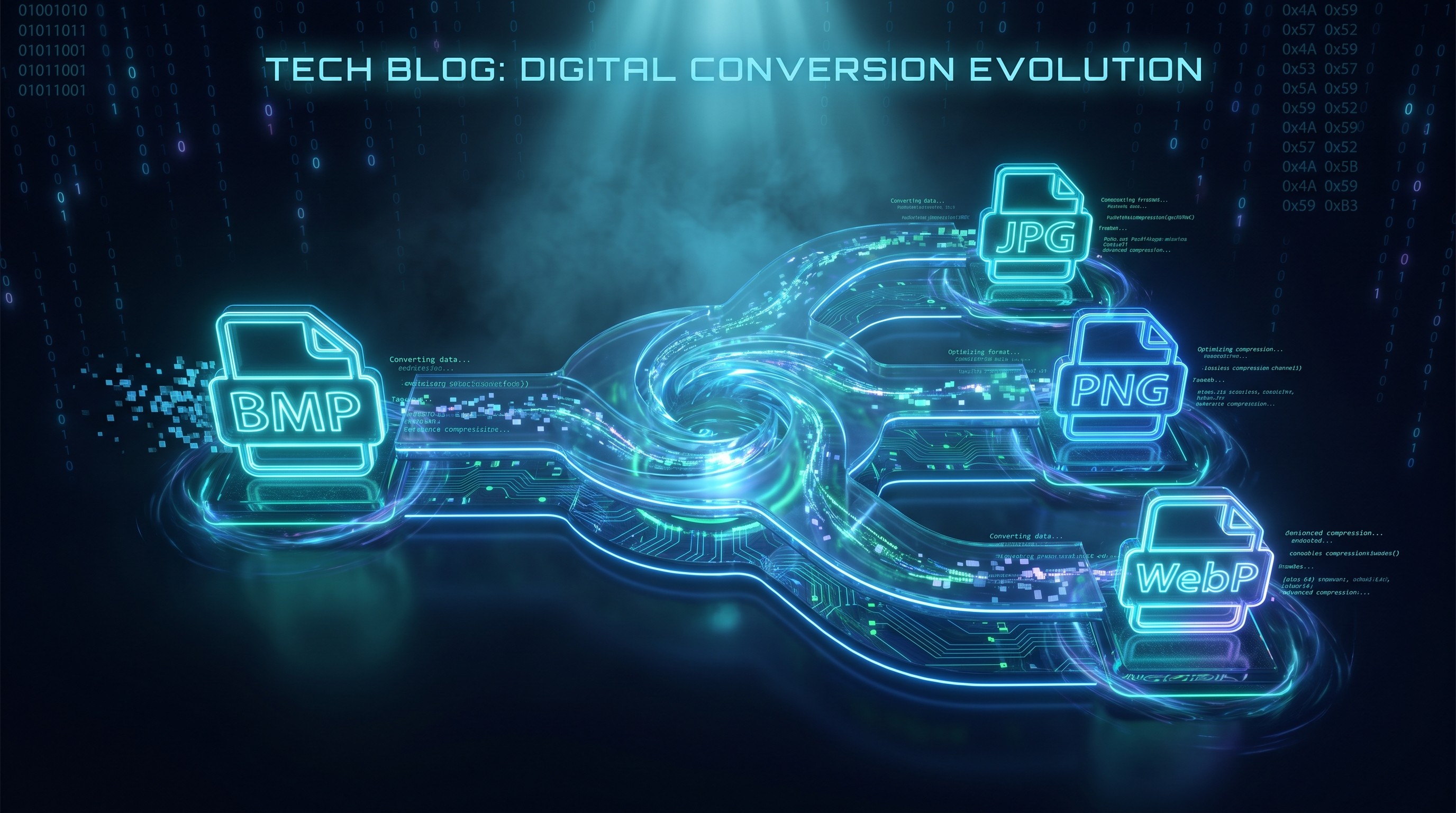
Пакетное конвертирование BMP в JPG
Конвертируйте изображения BMP в более компактные JPG-файлы в браузере
Перетащите сюда BMP-файлы или папку
Нажмите для выбора — поддерживается .bmp
Советы
BMP — Растровый формат Windows. Без сжатия, большие файлы, без прозрачности.
JPG — Универсальный формат. Значительно меньшие файлы для фото и сканов.
Приватность — Всё происходит в браузере. Файлы не уходят на сервер.
Пакетная обработка — Можно перетащить папку с BMP. Ошибочные файлы не остановят остальные.
Попробуй дальше
Как конвертировать BMP в JPG
Загрузите BMP-файлы
Перетащи BMP-файлы с компьютера или нажми для выбора. Принимаем сразу несколько файлов.
Конвертируйте
Вся обработка идёт в браузере. В основе — Canvas API. Твои изображения не покидают твоё устройство.
Скачайте JPG
Скачай JPG — файл меньше и открывается на любом устройстве. Ползунок качества поможет найти баланс между размером и чёткостью.
About BMP to JPG
BMP — базовый растровый формат Windows. Он хранит пиксели без сжатия, поэтому файлы получаются большими. Например, 1920×1080 24-битный BMP занимает около 6 МБ, а тот же снимок в качественном JPG обычно меньше 500 КБ. Если нужно поделиться, отправить по почте или загрузить BMP, конвертация в JPG помогает уменьшить размер.
Этот инструмент конвертирует BMP в JPG прямо в браузере. Файлы становятся заметно меньше, а обработка идёт локально через Canvas API. Изображения не покидают твоё устройство.
Используй ползунок качества, чтобы выбрать между меньшим размером файла и более высокой точностью. При стандартном качестве 90% разница с оригиналом обычно невидима. Выход сохраняет исходное разрешение и открывается на любом устройстве. Аккаунт, водяные знаки и ограничения не нужны.
Частые вопросы
Зачем конвертировать BMP в JPG?
BMP-файлы несжатые и большие. Конвертация в JPG уменьшает размер на 80–95% с незаметной потерей качества, что удобно для публикации, почты или загрузки.
Что такое BMP?
BMP — растровый формат Windows, который хранит исходные пиксели с минимальным сжатием. Сохраняет полное качество, но даёт большие файлы и обычно не поддерживает прозрачность.
Сохранится ли качество изображения?
Разрешение и точность цвета сохраняются полностью. JPG — формат с потерями, поэтому часть данных отбрасывается при сжатии. При стандартном качестве 90% разница обычно невидима глазу.
Есть ли ограничение на размер файла?
Жёсткого ограничения нет. Поскольку обработка идёт локально в браузере, реальный предел зависит от памяти твоего устройства. Большинство BMP конвертируются мгновенно.
Нужно ли регистрироваться или платить?
Нет. Регистрация и оплата не нужны. Мы не добавляем водяных знаков и не ограничиваем количество файлов.
Безопасны ли мои данные?
Да. Вся конвертация происходит в браузере через Canvas API. Твои изображения не уходят на сервер и не сохраняются у нас.
Ещё посты в блоге
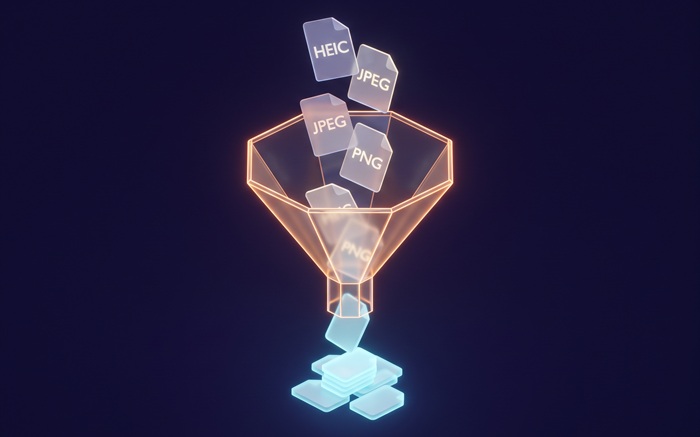
Как Конвертировать Изображения Пакетно Онлайн Без Установки Программ
Туториалы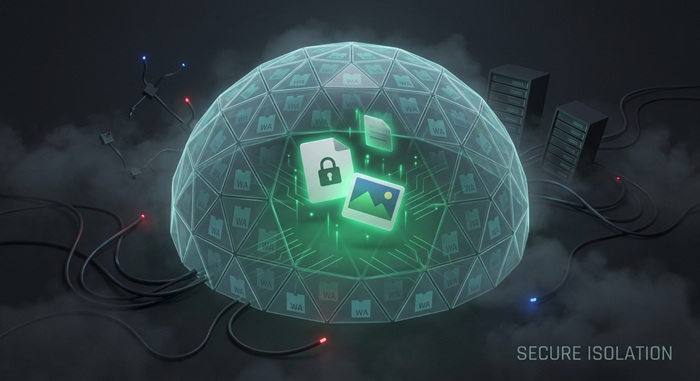
Конвертация Файлов в Браузере: Как Это Работает и Почему Ваши Файлы Остаются Приватными
Приватность