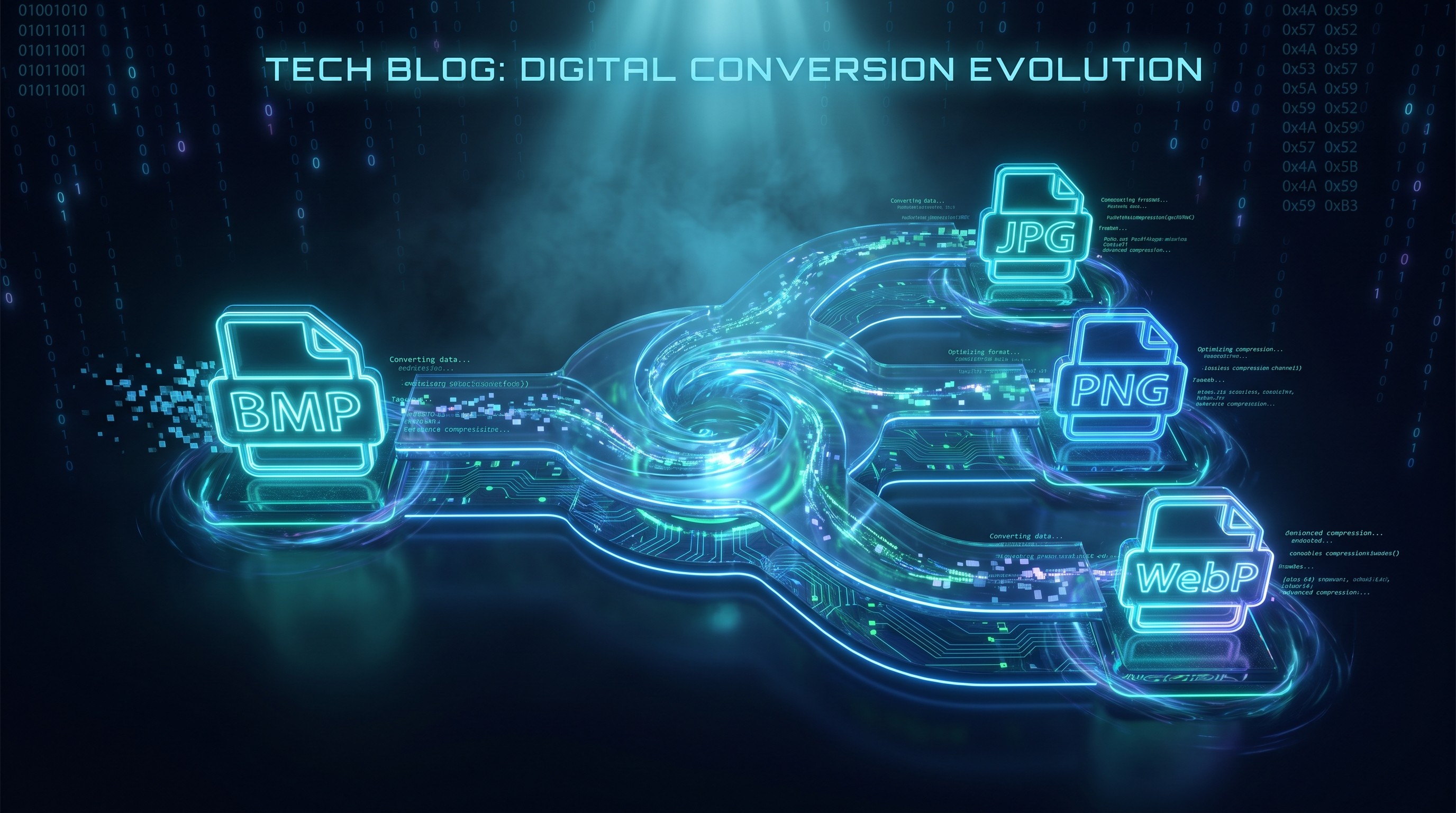
Convertir BMP a JPG en lotes
Convierte imágenes BMP a archivos JPG más pequeños en tu navegador
Drop BMP files or folder here
Click to browse — supports .bmp
Tips
BMP — Windows bitmap. Uncompressed, large files, no transparency.
JPG — Universal format. Much smaller files for photos and scans.
Privacy — Browser-only. Zero uploads, zero server access.
Batch — Folder drops accepted. Failures don't block the queue.
Prueba esto después
How to Convert BMP to JPG
Drop your BMP files
Drag images from your computer, or click to browse. We accept .bmp files.
Convert instantly
The tool runs entirely in your browser. No uploads, no waiting, no server queue.
Download JPG
Download JPG — smaller and compatible with every device. Use the quality slider to balance size and fidelity.
About BMP to JPG
BMP is Windows' legacy bitmap format. It stores uncompressed pixels, which keeps decoding simple but produces large files. A 1920 x 1080 24-bit BMP is roughly 6 MB; the same image as a high-quality JPG is usually under 500 KB. If you need to share, email, or upload a BMP, converting to JPG is the practical fix.
This tool converts BMP files to JPG directly in your browser. Your images never leave your device — the conversion runs locally using the Canvas API. No upload queue, no server processing, no privacy risk.
Use the quality slider to choose between smaller files and higher fidelity. At the default 90% quality, the difference from the original is usually invisible. Output keeps the original resolution and works on every device — no watermark, no account, no limit.
Preguntas frecuentes
Why convert BMP to JPG?
BMP files are uncompressed and large. Converting to JPG reduces file size by 80-95% with little visible quality loss, making the image easier to share, upload, or email.
What is BMP format?
BMP is a Windows bitmap format that stores raw pixels with minimal compression. It keeps full quality but produces large files and has no transparency support in most variants.
Will the image quality be preserved?
Resolution and color accuracy are fully preserved. JPG is a lossy format, so some data is discarded during compression. At the default 90% quality, the difference is invisible to the naked eye.
Is there a file size limit?
There is no hard limit. Since processing runs locally in your browser, the practical limit depends on your device's memory. Most BMP images convert instantly.
Do I need to sign up or pay?
No. There is no account, no watermark, no subscription, and no "upgrade for HD" trap. Every feature is free and unlimited.
Is my image data safe?
Yes. All conversions happen entirely in your browser using the Canvas API. Your images never leave your device — no uploads, no servers, no logging.
Más publicaciones del blog para leer
Cómo convertir imágenes por lotes en línea sin instalar software
Tutoriales
Conversión de archivos basada en navegador: cómo funciona y por qué tus archivos permanecen privados
Privacidad