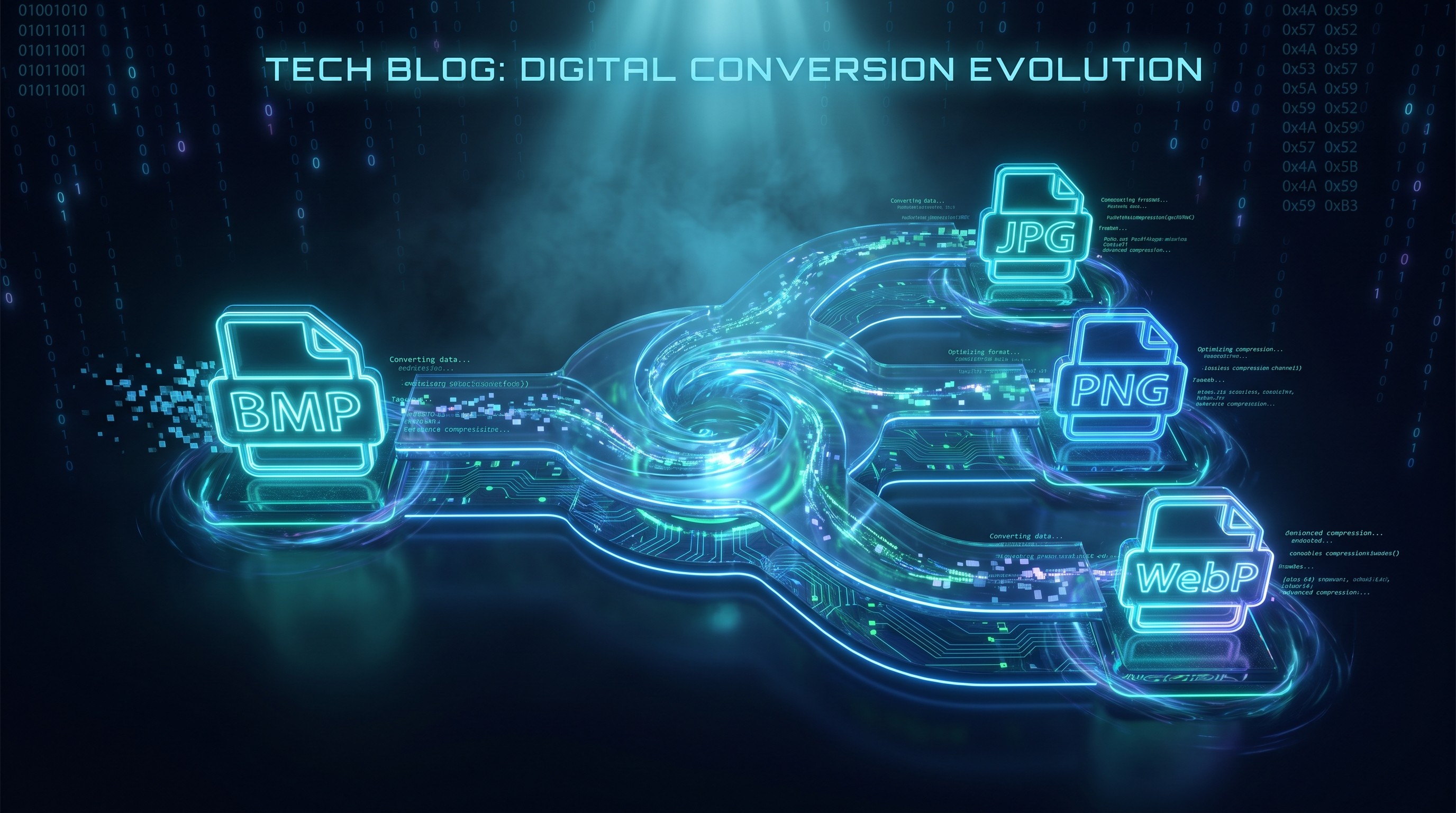
BMP zu PNG stapelweise konvertieren
Konvertiere BMP zu verlustfreiem PNG im Browser
Drop BMP files or folder here
Click to browse — supports .bmp
Tips
BMP — Windows bitmap. Uncompressed, large files, no transparency.
PNG — Lossless compression. Smaller than BMP with identical quality.
Privacy — Everything runs locally in the browser. Your images aren't uploaded or sent to a server.
Batch — Folder drops work; the rest keeps processing if one file fails.
Weiter damit
How to Convert BMP to PNG
Drop your BMP files
Drag images from your computer, or click to browse. We accept .bmp files.
Convert instantly
The tool runs locally in your browser. Your BMP files aren't uploaded, and there's no server queue.
Download PNG
Download PNG — lossless with no compression artifacts. Ideal for editing, design, and archival.
About BMP to PNG
BMP and PNG are both lossless formats, but BMP stores pixels uncompressed while PNG applies DEFLATE compression. That means a PNG converted from a BMP is typically much smaller without any loss in quality. PNG also handles transparency, though standard BMP files do not contain an alpha channel.
This tool converts BMP files to PNG directly in your browser. Your images never leave your device, and the conversion happens locally with the Canvas API.
Output keeps full resolution, exact colors, and no compression artifacts. PNG uses lossless compression, so nothing is thrown away. Ideal for design pipelines and archival. There are no watermarks, accounts, or limits.
Häufig gestellte Fragen
Why convert BMP to PNG?
PNG applies lossless compression to the same pixel data, so you get a smaller file with identical quality. PNG is also more widely supported in design tools and web workflows than BMP.
What is PNG format?
PNG is a lossless image format that supports transparency. Unlike BMP, it compresses the image data, which makes files smaller without throwing away any pixels.
Will the image quality be preserved?
Yes. PNG uses lossless compression, meaning no image data is thrown away. Resolution and color accuracy are preserved exactly.
Is there a file size limit?
There is no hard limit. Since processing runs locally in your browser, the practical limit depends on your device's memory. Most BMP images convert instantly.
Do I need to sign up or pay?
No. It's completely free. There's no account, no watermark, no subscription, and no HD-upgrade trap.
Is my image data safe?
Yes. Conversions happen entirely in your browser with the Canvas API. Your images never leave your device, and no servers or logs are involved.
Mehr Blog-Posts zum Lesen
So konvertierst du Bilder stapelweise online – ohne Software-Installation
Anleitungen
Browserbasierte Dateikonvertierung: So funktioniert sie und warum deine Dateien privat bleiben
Privatsphäre