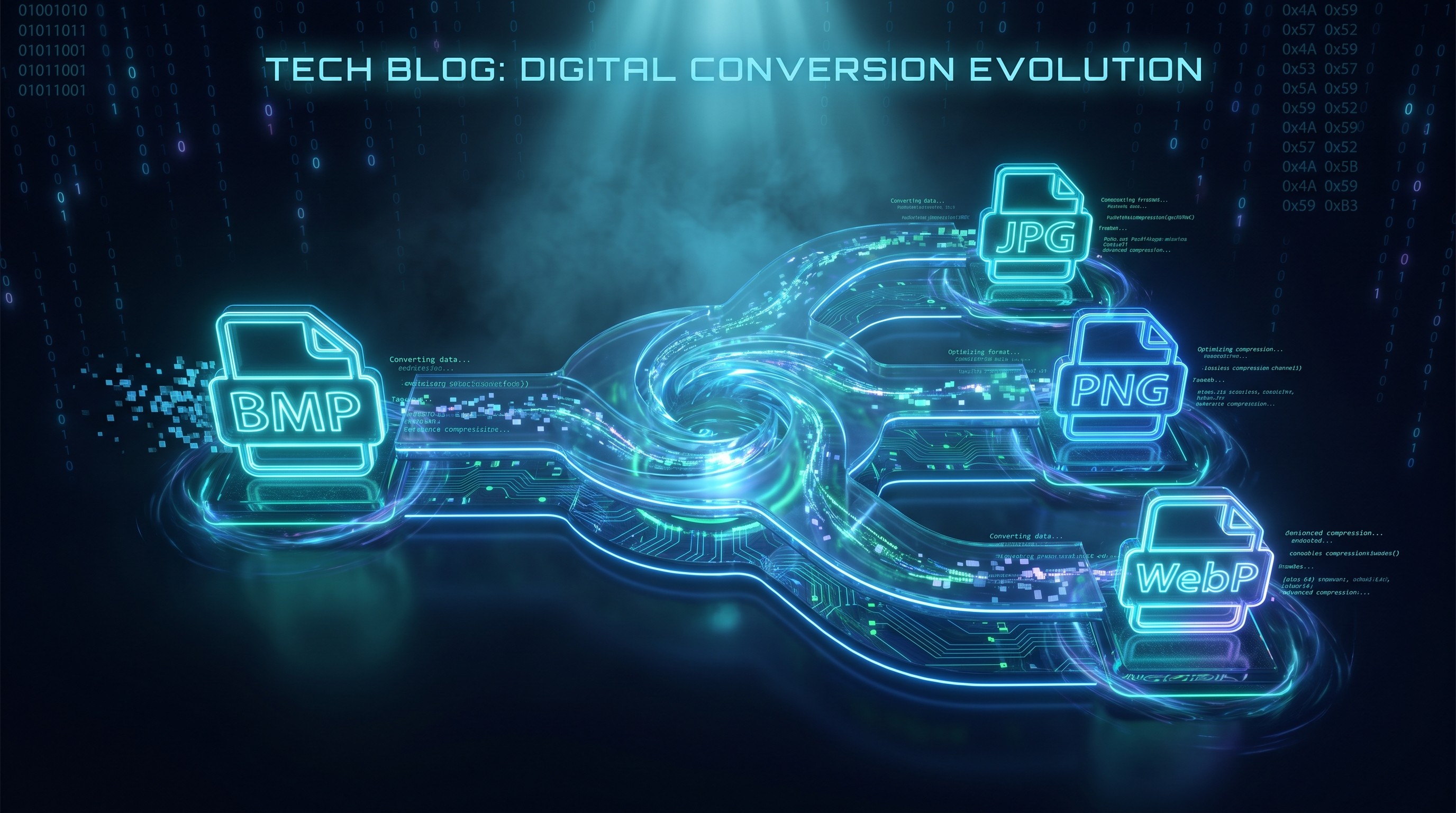
BMP zu WebP stapelweise konvertieren
Konvertiere BMP zu kleineren WebP-Dateien im Browser
Drop BMP files or folder here
Click to browse — supports .bmp
Tips
BMP — Windows bitmap. Uncompressed, large files, no transparency.
WebP — Smaller file sizes for web use.
Privacy — Processing stays in the browser. Your files don't leave your device.
Batch — You can add multiple files or a folder. Errors don't block the remaining queue.
Weiter damit
How to Convert BMP to WebP
Drop your BMP files
Drag images from your computer, or click to browse. We accept .bmp files.
Convert instantly
Everything happens in your browser. Your BMP files stay local, with no upload or server waiting.
Download WebP
Download WebP — smaller than JPG at the same quality. Perfect for websites and apps.
About BMP to WebP
WebP speichert Bilder meist kleiner als JPG oder PNG bei vergleichbarer Qualität. Beim Konvertieren eines BMP in WebP wird das unkomprimierte Pixelraster durch effiziente verlustbehaftete oder verlustfreie Kodierung ersetzt, wodurch die Dateigröße um 50 % oder mehr sinkt und die Bildqualität erhalten bleibt.
This tool converts BMP files to WebP directly in your browser. Your images stay on your device; the conversion runs locally with the Canvas API.
Output matches the original in resolution and color, but at a fraction of the file size. Every modern browser supports WebP natively. No plugin is needed, and there are no watermarks or limits.
Häufig gestellte Fragen
Why convert BMP to WebP?
WebP erzeugt meist kleinere Dateien als JPG oder PNG. Die Umwandlung eines BMP in WebP verkleinert ein großes unkomprimiertes Bild deutlich und eignet sich gut für Websites und Apps.
What is WebP format?
WebP unterstützt sowohl verlustbehaftete als auch verlustfreie Komprimierung und liefert bei gleicher Bildqualität oft 25–35 % kleinere Dateien als JPG.
Will the image quality be preserved?
Resolution and color accuracy are fully preserved. WebP uses efficient lossy compression, so you get smaller files with no visible difference at the default 90% quality.
Is there a file size limit?
There is no hard limit. Since processing runs locally in your browser, the practical limit depends on your device's memory. Most BMP images convert instantly.
Do I need to sign up or pay?
No. You can use the converter without signing up. There are no watermarks, subscriptions, or hidden HD upgrades.
Is my image data safe?
Yes. The conversion runs completely in your browser using the Canvas API. Your images stay on your device; there's no upload and no server logging.
Mehr Blog-Posts zum Lesen
So konvertierst du Bilder stapelweise online – ohne Software-Installation
Anleitungen
Browserbasierte Dateikonvertierung: So funktioniert sie und warum deine Dateien privat bleiben
Privatsphäre