BMP को PNG में बैच कन्वर्ट करें
अपने ब्राउज़र में BMP छवियों को लॉसलेस PNG में बदलें
Drop BMP files or folder here
Click to browse — supports .bmp
Tips
BMP — Windows bitmap. Uncompressed, large files, no transparency.
PNG — Lossless compression. Smaller than BMP with identical quality.
Privacy — केवल ब्राउज़र में। PNG आउटपुट आपके डिवाइस पर ही बनता है।
Batch — एक साथ कई BMP फ़ाइलें कन्वर्ट करें। फेल होने वाली फ़ाइलें बाकी कतार को रोकती नहीं हैं।
अगला ट्राई करें
How to Convert BMP to PNG
Drop your BMP files
Drag images from your computer, or click to browse. We accept .bmp files.
Convert instantly
BMP फ़ाइलें सीधे आपके ब्राउज़र में PNG में बदलती हैं। फ़ाइलें आपके डिवाइस पर ही रहती हैं।
Download PNG
Download PNG — lossless with no compression artifacts. Ideal for editing, design, and archival.
About BMP to PNG
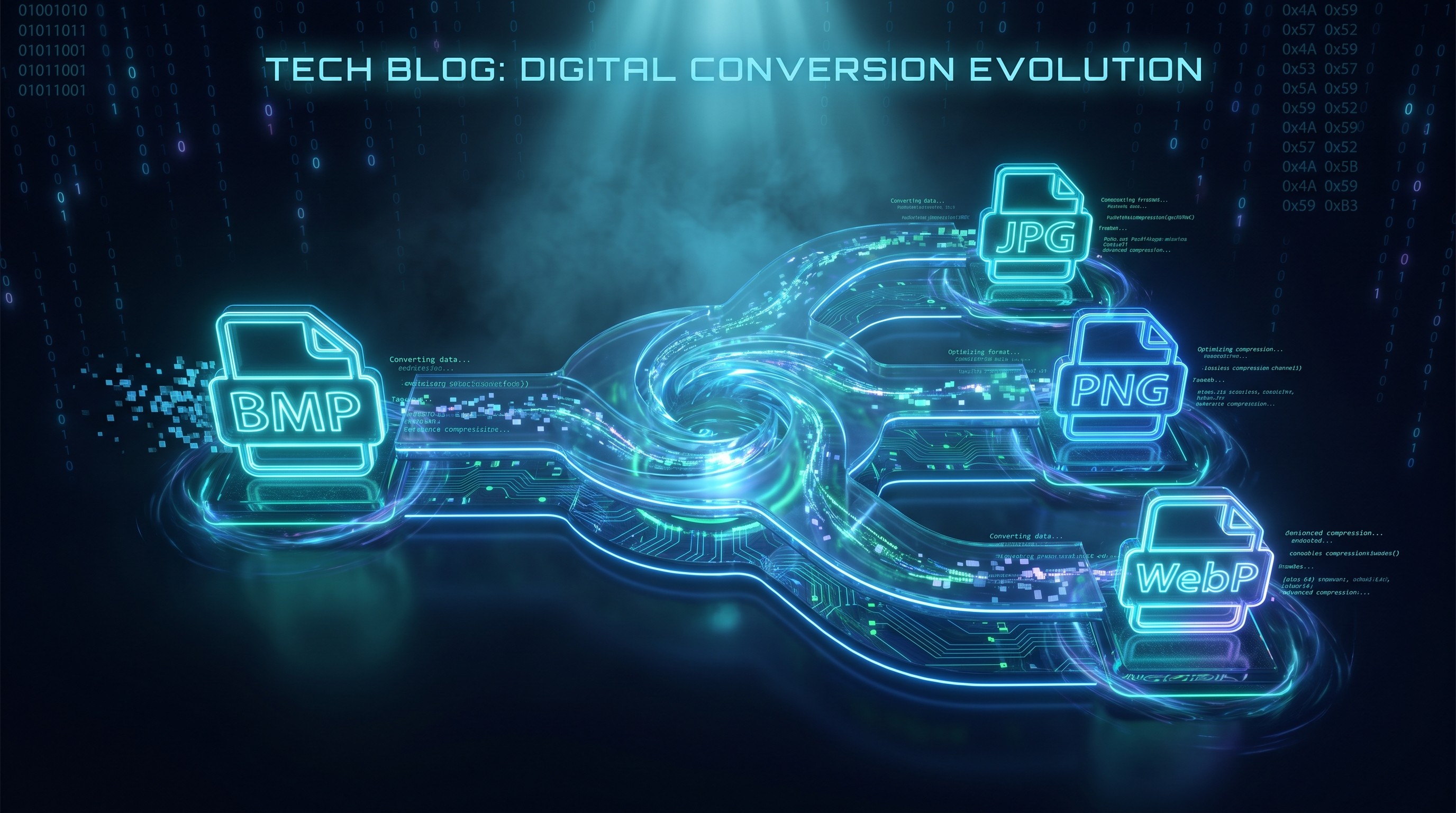
BMP and PNG are both lossless formats, but BMP stores pixels uncompressed while PNG applies DEFLATE compression. That means a PNG converted from a BMP is typically much smaller without any loss in quality. PNG also handles transparency, though standard BMP files do not contain an alpha channel.
यह टूल BMP फ़ाइलों को सीधे आपके ब्राउज़र में PNG में कन्वर्ट करता है। PNG लॉसलेस कंप्रेशन का उपयोग करता है। कन्वर्जन लोकली होता है।
आउटपुट पिक्सेल-परफेक्ट है: फुल रेज़ोल्यूशन, एक्जैक्ट कलर्स और कोई कंप्रेशन आर्टिफैक्ट नहीं। PNG लॉसलेस कंप्रेशन का उपयोग करता है, इसलिए कुछ भी नहीं फेंका जाता।
अक्सर पूछे जाने वाले सवाल
Why convert BMP to PNG?
PNG applies lossless compression to the same pixel data, so you get a smaller file with identical quality. PNG is also more widely supported in design tools and web workflows than BMP.
What is PNG format?
PNG is a lossless image format that supports transparency. Unlike BMP, it compresses the image data, which makes files smaller without throwing away any pixels.
Will the image quality be preserved?
Yes. PNG uses lossless compression, meaning no image data is thrown away. Resolution and color accuracy are preserved exactly.
Is there a file size limit?
There is no hard limit. Since processing runs locally in your browser, the practical limit depends on your device's memory. Most BMP images convert instantly.
Do I need to sign up or pay?
नहीं। BMP को PNG में बदलना पूरी तरह मुफ्त है। कोई साइन अप, वॉटरमार्क या उपयोग सीमा नहीं।
Is my image data safe?
हाँ। BMP से PNG कन्वर्जन Canvas API का उपयोग करके आपके ब्राउज़र में लोकली होता है। कोई फ़ाइल बाहर नहीं जाती।