BMP को WebP में बैच कन्वर्ट करें
अपने ब्राउज़र में BMP छवियों को छोटी WebP फ़ाइलों में बदलें
Drop BMP files or folder here
Click to browse — supports .bmp
Tips
BMP — Windows bitmap. Uncompressed, large files, no transparency.
WebP — Modern format. Smallest file size for web use.
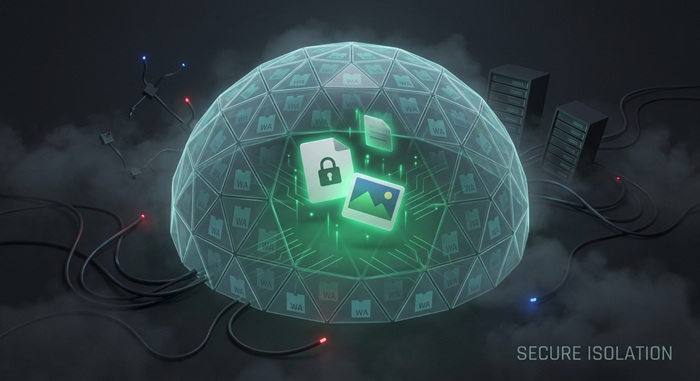
Privacy — केवल ब्राउज़र में। WebP कन्वर्जन लोकली होता है।
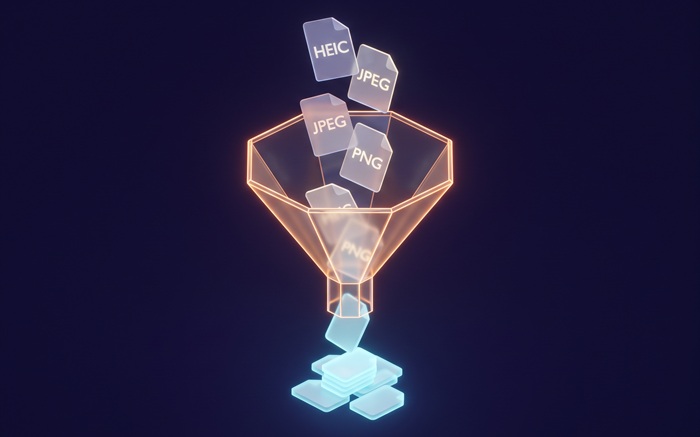
Batch — एक साथ कई BMP फ़ाइलें WebP में बदलें। फेलियर्स बाकी कतार को ब्लॉक नहीं करते।
अगला ट्राई करें
How to Convert BMP to WebP
Drop your BMP files
Drag images from your computer, or click to browse. We accept .bmp files.
Convert instantly
BMP फ़ाइलें आपके ब्राउज़र में WebP में कन्वर्ट होती हैं। कोई बाहरी सर्वर शामिल नहीं।
Download WebP
Download WebP — smaller than JPG at the same quality. Perfect for websites and apps.
About BMP to WebP
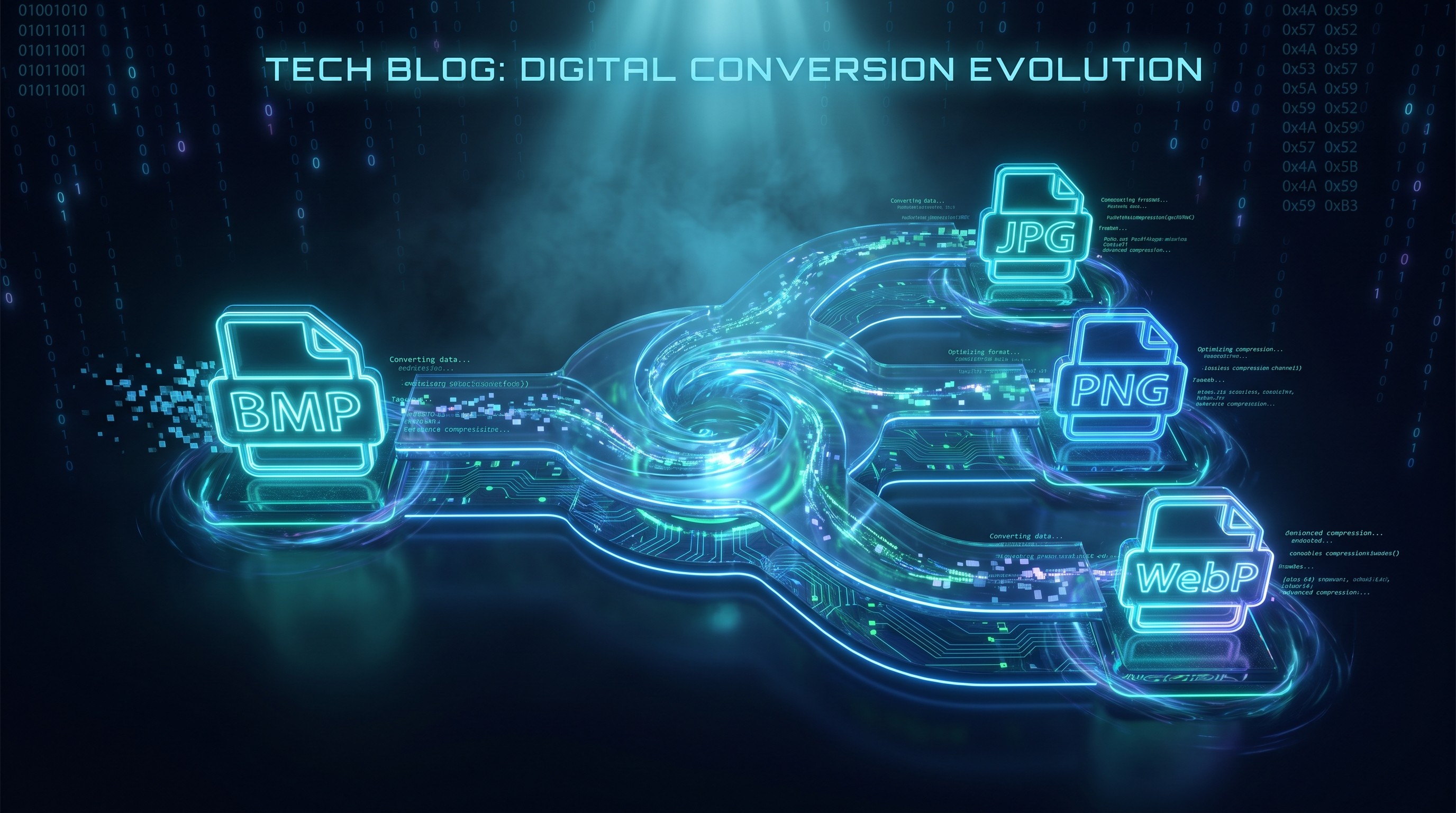
WebP is a modern image format that compresses better than JPG and PNG. Converting a BMP to WebP replaces its uncompressed pixel grid with efficient lossy or lossless encoding, cutting file size by 50% or more while preserving visual quality.
यह टूल BMP फ़ाइलों को सीधे आपके ब्राउज़र में WebP में कन्वर्ट करता है। WebP JPG और PNG दोनों से छोटी फ़ाइलें दे सकता है। कन्वर्जन लोकली होता है।
आउटपुट मूल के रिज़ॉल्यूशन और रंग से मेल खाता है, लेकिन फ़ाइल आकार काफी कम हो जाता है। हर आधुनिक ब्राउज़र WebP को नेटिव रूप से सपोर्ट करता है।
अक्सर पूछे जाने वाले सवाल
Why convert BMP to WebP?
WebP produces smaller files than both JPG and PNG. Converting a BMP to WebP is the fastest way to shrink a large uncompressed image for websites and modern apps.
What is WebP format?
WebP is a modern image format developed by Google. It supports both lossy and lossless compression and typically delivers 25-35% smaller files than JPG at the same visual quality.
Will the image quality be preserved?
Resolution and color accuracy are fully preserved. WebP uses efficient lossy compression, so you get smaller files with no visible difference at the default 90% quality.
Is there a file size limit?
There is no hard limit. Since processing runs locally in your browser, the practical limit depends on your device's memory. Most BMP images convert instantly.
Do I need to sign up or pay?
नहीं। WebP कन्वर्जन के लिए कोई अकाउंट, वॉटरमार्क या सब्सक्रिप्शन नहीं। सब कुछ मुफ्त है।
Is my image data safe?
हाँ। BMP से WebP कन्वर्जन Canvas API का उपयोग करके आपके ब्राउज़र में होता है। आपकी इमेजेज आपके डिवाइस पर ही रहती हैं।