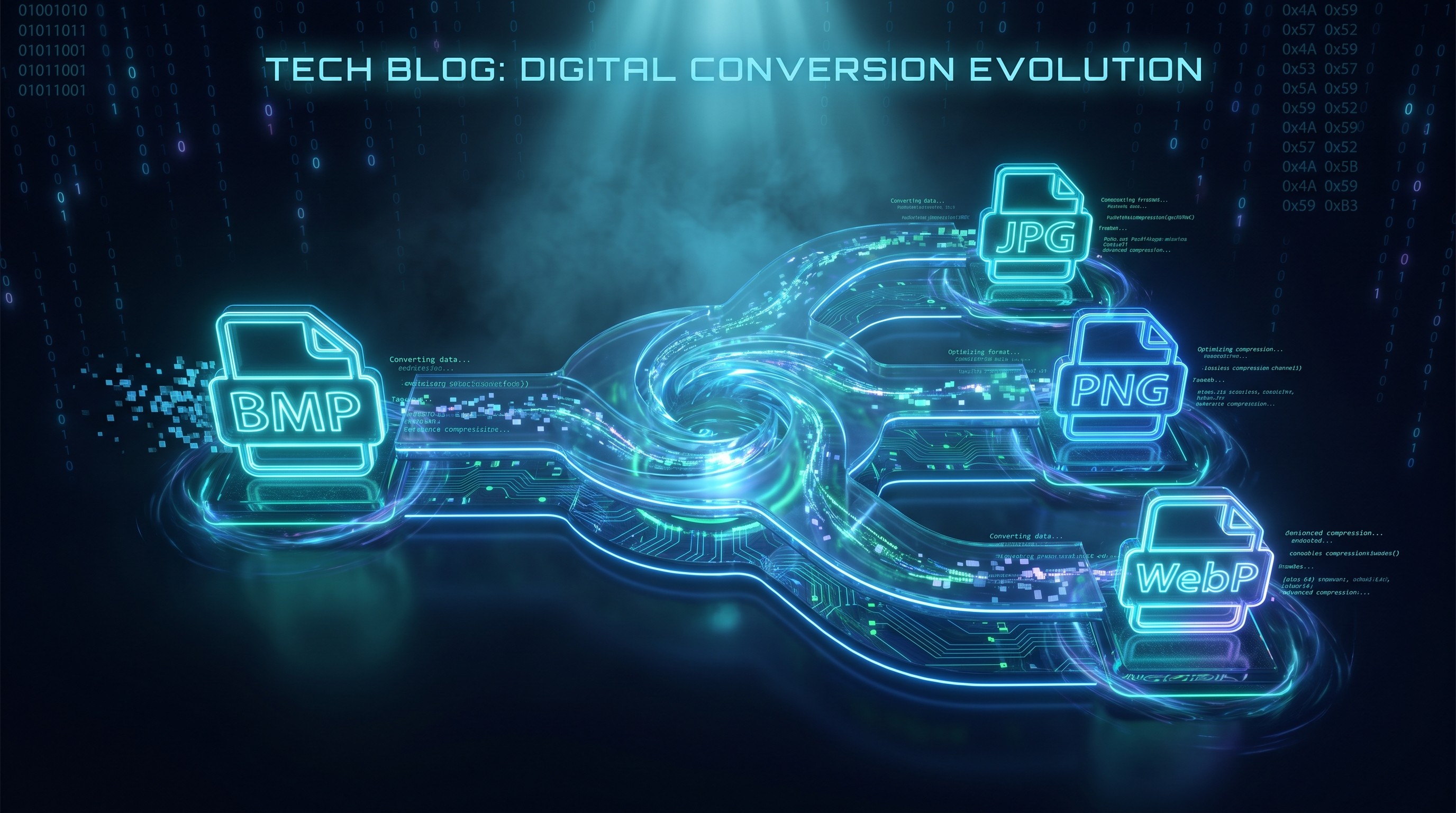
Converti BMP in ICO in batch
Converti immagini BMP in icone ICO Windows nel browser
Drop BMP files or folder here
Click to browse — supports .bmp
Tips
BMP — Windows bitmap. Uncompressed, large files, no transparency.
ICO — Windows icon format. Multi-size favicons in one file.
Privacy — Icons are generated locally. Your images stay on your device.
Batch — You can drop multiple files or a folder. Failed items do not block the rest.
Prova anche questo
How to Convert BMP to ICO
Drop your BMP files
Drag images from your computer, or click to browse. We accept .bmp files.
Convert instantly
Icon generation happens locally in your browser. Your images are not uploaded to a server.
Download ICO
Download ICO files with common icon sizes packed into a single file.
About BMP to ICO
ICO is the standard Windows icon format. It is used for application icons, folder icons, and website favicons. A single ICO file can hold multiple image sizes, letting the operating system or browser pick the best one automatically.
This tool converts BMP files to ICO directly in your browser. Icon generation runs locally; your images are not uploaded.
Sizes larger than your source image are skipped to avoid blurry upscaling. You can also select which sizes to include. The result is a single ICO file ready for a website or Windows project.
Domande frequenti
Why convert BMP to ICO?
ICO is the standard format for Windows icons and website favicons. It packs multiple sizes into one file so the OS can pick the best resolution for each context.
What is ICO format?
ICO is a container format that holds multiple bitmap sizes in one file. Windows uses it for application and folder icons; websites use it as the favicon shown in browser tabs.
What icon sizes are generated?
The tool generates common standard sizes (16×16, 24×24, 32×32, 48×48, 64×64, 128×128, and 256×256) based on your source image. Sizes larger than the source image are automatically skipped to avoid upscaling artifacts.
Is there a file size limit?
There is no hard limit. Since processing runs locally in your browser, the practical limit depends on your device's memory. Most BMP images convert instantly.
Do I need to sign up or pay?
No. Icon generation is free and does not require an account.
Is my image data safe?
Yes. Icon generation happens locally in your browser. Your images are not uploaded.
Altri post del blog da leggere
Come convertire immagini in batch online senza installare software
Tutorial
Conversione di file basata su browser: come funziona e perché i tuoi file rimangono privati
Privacy