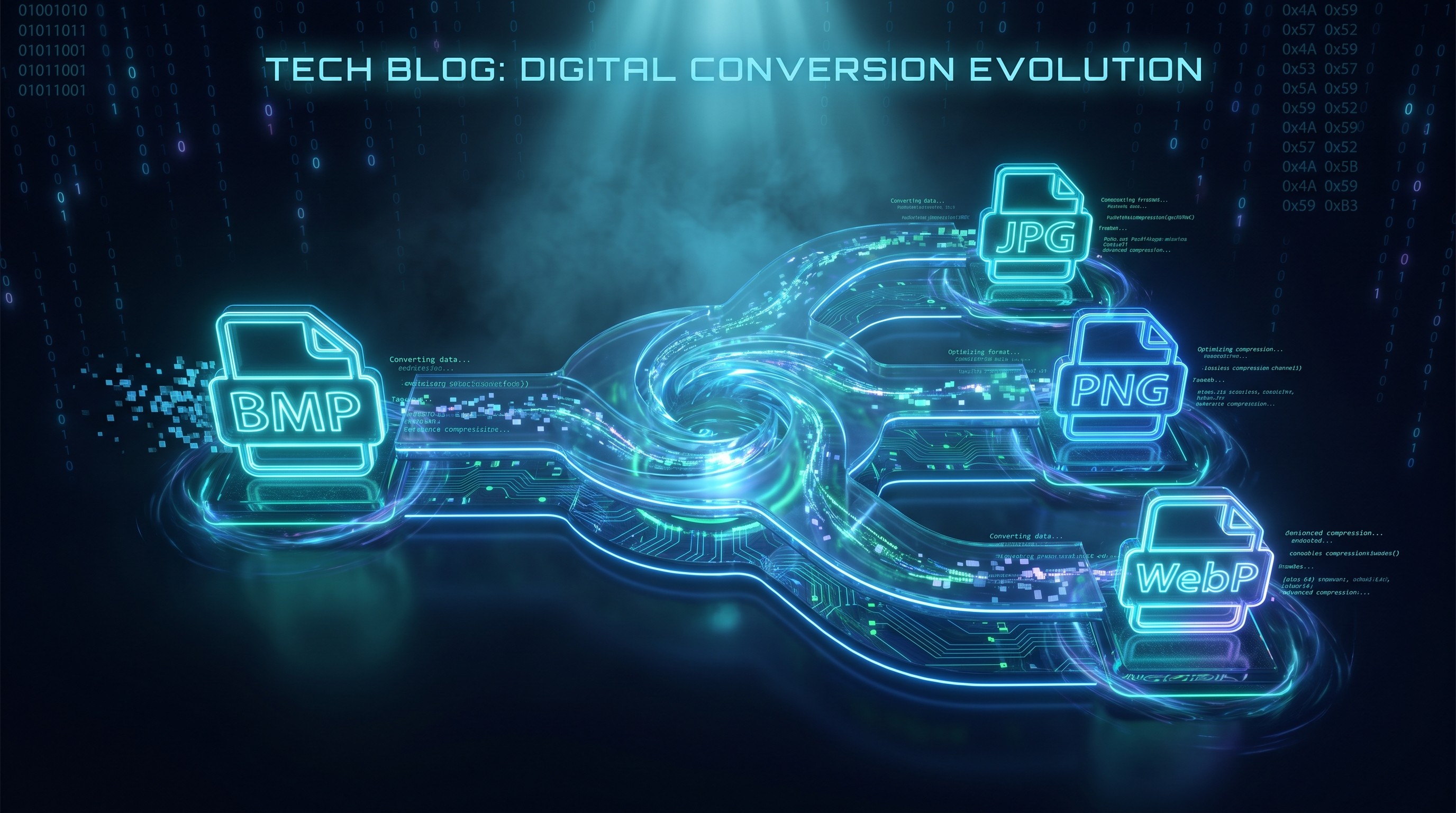
Converti BMP in PNG in batch
Converti immagini BMP in PNG senza perdita nel browser
Drop BMP files or folder here
Click to browse — supports .bmp
Tips
BMP — Windows bitmap. Uncompressed, large files, no transparency.
PNG — Lossless compression. Smaller than BMP with identical quality.
Privacy — Processing happens locally in the browser. Your images are not uploaded.
Batch — You can drop multiple files or a folder. Failed items do not block the rest.
Prova anche questo
How to Convert BMP to PNG
Drop your BMP files
Drag images from your computer, or click to browse. We accept .bmp files.
Convert instantly
The PNG encoding happens locally in your browser using the Canvas API. Your images stay on your device.
Download PNG
Download PNG files. Quality stays identical and the format works in most design tools.
About BMP to PNG
BMP and PNG are both lossless formats, but BMP stores pixels uncompressed while PNG applies DEFLATE compression. That means a PNG converted from a BMP is typically much smaller without any loss in quality. PNG also handles transparency, though standard BMP files do not contain an alpha channel.
This tool converts BMP files to PNG directly in your browser. The PNG encoding runs locally using the Canvas API, so your images stay on your device.
Output matches the original pixel for pixel, with full resolution, exact colors, and no compression artifacts. PNG uses lossless compression, so nothing is discarded. Good for design workflows and archival.
Domande frequenti
Why convert BMP to PNG?
PNG applies lossless compression to the same pixel data, so you get a smaller file with identical quality. PNG is also more widely supported in design tools and web workflows than BMP.
What is PNG format?
PNG is a lossless image format that supports transparency. Unlike BMP, it compresses the image data, which makes files smaller without throwing away any pixels.
Will the image quality be preserved?
Yes. PNG uses lossless compression, meaning no image data is thrown away. Resolution and color accuracy are preserved exactly.
Is there a file size limit?
There is no hard limit. Since processing runs locally in your browser, the practical limit depends on your device's memory. Most BMP images convert instantly.
Do I need to sign up or pay?
No. The converter is free to use. We do not ask for sign-up or apply watermarks.
Is my image data safe?
Yes. The PNG encoding runs locally in your browser via the Canvas API. Your images never leave your device.
Altri post del blog da leggere
Come convertire immagini in batch online senza installare software
Tutorial
Conversione di file basata su browser: come funziona e perché i tuoi file rimangono privati
Privacy