A print shop in 1993 receives a file on a floppy disk. It is a Microsoft Word document with embedded clip art and a custom font the shop does not own. They open it. The margins collapse, the bullets turn into squares, and the logo floats to the next page. The customer picks up the job the next day and refuses to pay.
This was a daily problem. Every document format before PDF assumed the receiver had the same software, fonts, and printer as the sender. PDF fixed that by describing a page exactly the way it would print, then packaging the fonts and images inside the file itself.
What PDF actually is
PDF stands for Portable Document Format. At its core, it is a container file that stores a fixed description of one or more pages. Each page is defined as a stream of drawing commands: move here, draw this glyph in this font, place this image at this size. The result looks the same on a LaserWriter, a Windows PC, or a fax machine.
A PDF file can carry its own fonts, color profiles, vector graphics, raster images, metadata, annotations, form fields, digital signatures, and JavaScript. It can be linearized so a web browser shows the first page before the whole file downloads. It can be tagged so screen readers know what is a heading and what is a caption.
The format is not just a frozen image. It is a structured binary file built on the same imaging model as PostScript, Adobe's earlier page-description language.
Where PDF came from
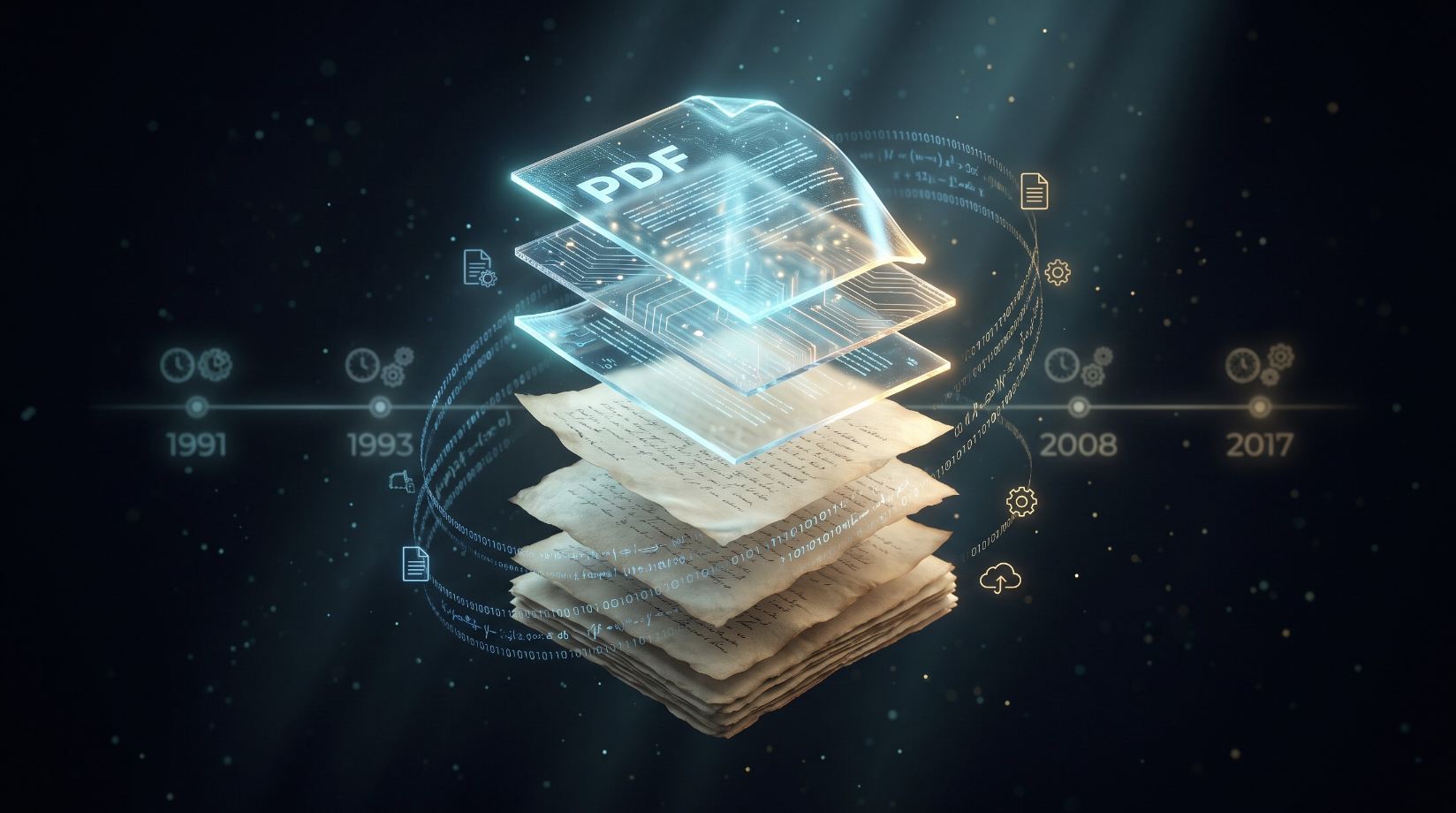
John Warnock, Adobe's co-founder, started the project that became PDF. In 1991 he wrote an internal paper called "The Camelot Project" describing a system where any document could be viewed and printed reliably on any machine. The idea was to solve the chaos of incompatible word processors, spreadsheets, and desktop publishing tools.
Adobe released the first PDF specification and Acrobat software in 1993. The early years were slow. The Acrobat Reader was not free at first, and the web barely existed. Microsoft Office did not export PDF until 2007. For a long time, PDF was mostly a professional printing and publishing format.
Two events changed its trajectory. In 2008, Adobe released the PDF specification as an open standard under ISO 32000. That meant anyone could write software that read or wrote PDF without paying Adobe. Then smartphones and email attachments made cross-platform document sharing normal, and PDF was already the safest way to do it.
Why PDF exists
Before PDF, sending a document meant sending a promise. A Word file promised that the receiver had the right fonts, the right version, and the right printer driver. A PostScript file promised the receiver had a PostScript interpreter. A plain text file promised the receiver did not care about layout.
PDF removed those promises. The file carries everything it needs to render. A PDF created on a Mac in 1998 still opens correctly on a Linux machine in 2026. That stability is the whole point.
The format also solved archiving. Paper records decay. Digital records rot faster because software changes. PDF/A, a strict subset of PDF, was designed for long-term preservation. It forbids features that depend on external resources, requires fonts to be embedded, and locks the visual appearance so future software cannot reinterpret the layout.
Where PDF is used today
PDF has become the default container for anything that must look the same everywhere:
- Legal and government filings: courts, tax agencies, and contract workflows rely on fixed-layout documents.
- Medical records: PDF/A is a common archive format for patient files and imaging reports.
- Academic publishing: most journals distribute papers as PDF because equations and figures must stay intact.
- Invoices and receipts: businesses generate PDFs from templates so formatting does not drift.
- Forms: PDF supports fillable fields, checkboxes, and digital signatures.
- E-books: fixed-layout books, textbooks, and comics often use PDF instead of reflowable EPUB.
- Page extraction: when you need a page from a PDF as an image, tools like PDF to JPG, PDF to PNG, and PDF to WebP convert locally without uploading the file.
That last point matters for privacy. PDFs often contain contracts, IDs, or financial records. Converting them in the browser keeps the data on the user's device.
Other document formats and how they compare
PDF is not the only option. Each format optimizes for something different.
| Format | Strength | Weakness |
|---|---|---|
| DOCX / ODT | Easy to edit | Layout shifts across versions and fonts |
| HTML | Reflows to any screen | Print layout is unpredictable |
| EPUB | Built for e-readers | Reflowable text breaks fixed designs |
| PostScript | Precise printer control | Not interactive, no built-in fonts |
| XPS | Microsoft's fixed-layout answer | Never gained wide adoption |
| DjVu | Excellent scanned documents | Niche support, poor editing |
| TIFF / PNG images | Pixel-perfect visuals | Not searchable, huge file sizes |
| Plain text | Universal and tiny | No formatting at all |
PDF sits in the middle. It preserves visual fidelity better than editable formats and remains smaller and more useful than a folder of images.
Why PDF became the industry standard
Several factors locked PDF into place.
First, Adobe gave it away. Acrobat Reader became free in 1994, and Adobe pushed hard to get it pre-installed on computers and bundled with browsers. By the time competitors appeared, users already knew how to open a PDF.
Second, operating systems adopted it. macOS renders PDF natively. iOS and Android can open PDFs out of the box. Windows added a built-in reader. The format became invisible infrastructure.
Third, ISO standardization removed legal risk. Companies could build PDF support into their products without negotiating a license.
Fourth, PDF solved a real problem that no rival solved as completely. Word documents drift. HTML pages reflow. Images are static. PostScript is printer-only. PDF combined the fixed page of PostScript with the portability of a self-contained file.
Pros and cons of PDF
| Aspect | Advantage | Limitation |
|---|---|---|
| Fidelity | Looks identical on almost any device | Hard to adapt to small screens |
| Portability | Self-contained with embedded fonts | Binary format needs a reader |
| Archiving | PDF/A preserves visual appearance for decades | Must follow strict rules to be valid |
| Security | Supports encryption, redaction, and signatures | Passwords and permissions can be bypassed |
| Search | Text is selectable if properly encoded | Scanned PDFs need OCR to be searchable |
| Editing | Difficult to edit by design | Good for final copies, bad for drafts |
The inconvenient parts of PDF
PDF is great for finished documents and frustrating for everything else.
Editing a PDF usually means buying software or accepting a clunky free tool. Text extraction often breaks because PDF stores characters by position, not by reading order. Copy a paragraph from a two-column layout and the lines may interleave. Export a table and the columns collapse into one.
Forms are another pain. PDF form fields look simple but behave inconsistently across readers. Submitting a filled PDF form sometimes requires an email client or a server script that stopped working years ago.
Scanned PDFs are particularly bad. They look like documents but are actually images. Without OCR, you cannot search, copy, or resize the text. The file sizes can also balloon when users scan at 600 dpi in color for a black-and-white invoice.
Mobile reading is awkward. A PDF page is a fixed rectangle. Zoom in to read the text and you scroll horizontally every line. Reflowable formats handle phones better.
The future of PDF
PDF is not going away. ISO 32000-2, also called PDF 2.0, was published in 2017 and updates the format for modern use. It improves unicode handling, digital signatures, and accessibility tagging.
The bigger shift is how we use PDFs. Cloud services now convert, merge, split, and sign PDFs inside a browser. PDF parsers power invoice extraction, contract analysis, and automated data entry. Machine learning systems read PDFs as part of document pipelines.
Accessibility is also improving. Tagged PDFs, structured headings, and alternative text make the format less hostile to screen readers. Regulators in the EU and US increasingly require accessible PDFs for government documents.
The format will probably outlive many of the applications that create it. That is the strange victory of PDF: it solved a 1990s problem so completely that the solution became invisible.