Batch PDF to JPG
Convert PDF pages to JPG images in your browser
Drop PDF files or folders here
Click to browse — supports .pdf
Tips
PDF — Portable document format. Fixed layout, one page at a time.
JPG — Universal image format. Works on every device and platform.
Privacy — Everything happens in your browser. Your PDFs are not uploaded.
Batch — Each page becomes a separate JPG. Multi-page PDFs download as a ZIP.
How to Convert PDF to JPG
Drop your PDF files
Drag PDFs from your computer, or click to browse. We accept multiple files at once.
Convert locally
The tool renders each PDF page directly in your browser using PDF.js. Your files are not uploaded to any server.
Download JPG
Download individual pages or everything as a ZIP. Use the quality slider to balance size and fidelity.
About PDF to JPG
PDFs are great for sharing documents, but many platforms want an image. A screenshot of a page is low resolution and hard to batch. Converting PDF pages to JPG gives you one image per page at the original document size, ready for galleries, email, or social media.
This tool renders each PDF page directly in your browser. The conversion runs locally using PDF.js, so your files stay on your device. Nothing is uploaded to a server.
Output keeps the original page dimensions. For multi-page PDFs, each page becomes a separate JPG. Use the quality slider to choose between smaller files and higher fidelity. We do not add watermarks or impose usage limits.
Frequently Asked Questions
Why convert PDF to JPG?
JPG is accepted by almost every gallery, email client, social platform, and content management system. Converting PDF pages to JPG turns each page into a universally readable image.
What is JPG format?
JPG (or JPEG) is a lossy image format that keeps file sizes small while maintaining good visual quality for photographs and scans. Every device, browser, and image editor supports it without extra software.
Will the image quality be preserved?
Resolution and page dimensions are fully preserved. JPG is a lossy format, so some data is discarded during compression. At the default 90% quality setting, the difference is invisible to the naked eye. You can lower the slider if you need smaller files.
Is there a file size limit?
There is no hard limit. Since processing runs locally in your browser, the practical limit depends on your device's memory and the number of pages in the PDF.
Do I need to sign up or pay?
No. The converter is completely free. We do not charge, subscribe, or watermark your files.
Is my PDF data safe?
Yes. All rendering happens in your browser using PDF.js. Your PDFs stay on your device and are not uploaded or logged.
More blog posts to read
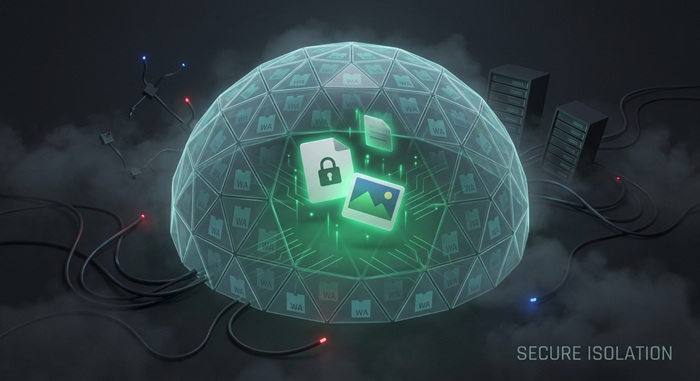
Browser-Based File Conversion: How It Works and Why Your Files Stay Private
Privacy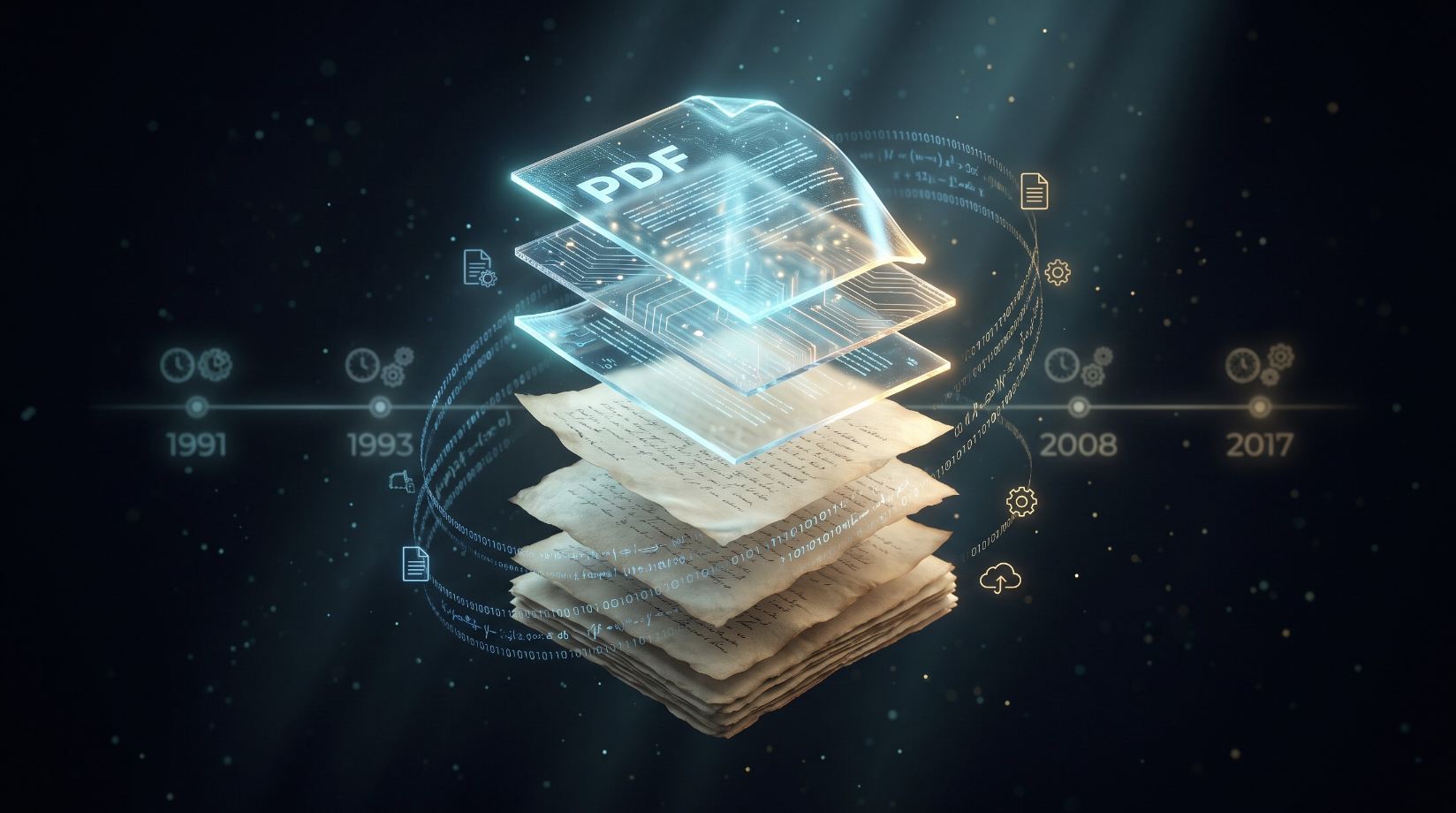
A short history of PDF: why the document format won
Deep Dives