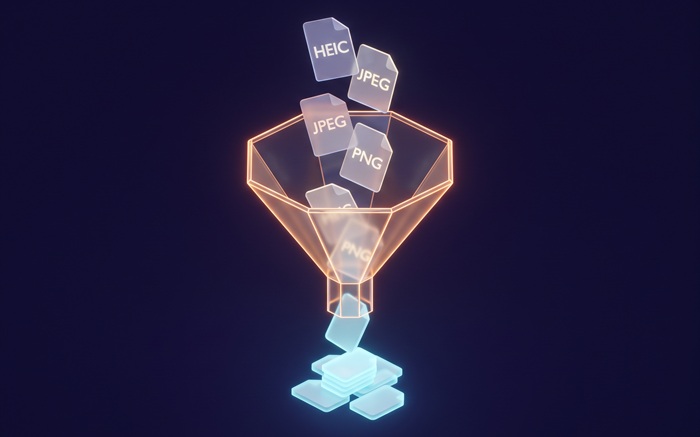
Batch JPG to PNG
Convert JPG to transparent PNG in your browser
Drop JPG files or folder here
Click to browse — supports .jpg, .jpeg
Tips
JPG — Universal format. Works on every device and platform.
PNG — Lossless with transparency. Ideal for editing and design.
Privacy — Everything happens in your browser. Your JPG files are not uploaded.
Batch — Select several JPGs or a folder. One failed file will not stop the others.
How to Convert JPG to PNG
Drop your JPG files
Drag photos from your computer, or click to browse. We accept JPG and JPEG files.
Convert instantly
The tool reads each JPG file locally in your browser using the Canvas API. Your files are not uploaded to any server.
Download PNG
Download PNG — lossless with transparency preserved. Ideal for editing, design, and archival.
About JPG to PNG
JPG works well for photos, but it has two hard limits: no transparency, and every save throws away more data. If you need to place a logo on a colored background, remove a background, or edit an image repeatedly without quality loss, JPG is the wrong starting point. PNG solves all three problems.
This tool converts JPG files to PNG directly in your browser. PNG is a lossless format that supports transparency, making it ideal for design work, editing, and archival. The conversion runs locally using the Canvas API, so your photos stay on your device.
Output keeps full resolution, exact colors, and transparency preserved. PNG uses lossless compression, so no image data is discarded. We do not add watermarks or impose usage limits.
Frequently Asked Questions
Why convert JPG to PNG?
PNG is a lossless format that supports transparency. Unlike JPG, it does not throw away image data during compression. This makes it ideal for graphics with sharp edges, text, logos, and any image where you need a transparent background.
What is PNG format?
PNG is a lossless image format that supports transparency. Unlike JPG, it does not throw away image data during compression, which makes it ideal for graphics with sharp edges, text, logos, and any image where you need a transparent background.
Will the image quality be preserved?
Yes. PNG uses lossless compression, meaning no image data is thrown away. Resolution, color accuracy, and any transparency are preserved exactly. The trade-off is larger file sizes compared to JPG or WebP.
Is there a file size limit?
There is no hard limit. Since processing runs locally in your browser, the practical limit depends on your device's memory. Most photos convert instantly.
Do I need to sign up or pay?
No. You can convert as many files as you want without signing up. We do not watermark output or limit usage.
Is my photo data safe?
Yes. All conversions run in your browser using the Canvas API. Your photos stay on your device and are not uploaded or logged.