Batch BMP to ICO
Convert BMP images to Windows ICO icons in your browser
Drop BMP files or folder here
Click to browse — supports .bmp
Tips
BMP — Windows bitmap. Uncompressed, large files, no transparency.
ICO — Windows icon format. Multi-size favicons in one file.
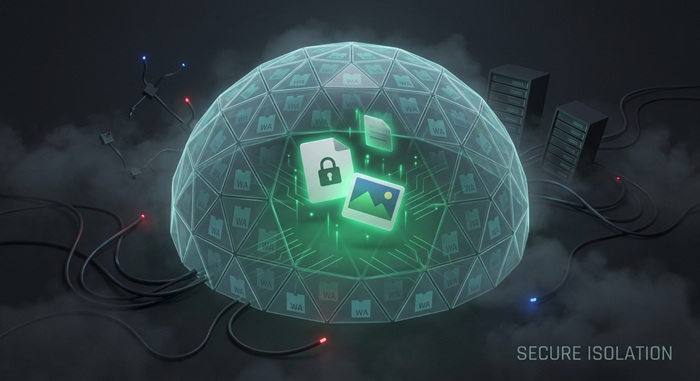
Privacy — Everything happens in your browser. Your BMP files are not uploaded.
Batch — Drop multiple BMPs or a folder. Each source becomes its own ICO file.
How to Convert BMP to ICO
Drop your BMP files
Drag images from your computer, or click to browse. We accept .bmp files.
Convert instantly
Each BMP is read locally in your browser using the Canvas API. Your files stay on your device.
Download ICO
Download ICO — multi-size icon files ready for Windows and favicon use.
About BMP to ICO
ICO is the standard Windows icon format. It is used for application icons, folder icons, and website favicons. A single ICO file can hold multiple image sizes, letting the operating system or browser pick the best one automatically.
This tool converts BMP files to ICO directly in your browser. It generates common icon sizes and packs them into a single ICO file suitable for favicons and Windows icons. The conversion runs locally using the Canvas API, so your images are not uploaded.
Sizes larger than your source image are skipped to avoid blurry upscaling. You can also manually select which sizes to include. The result is a single ICO file ready to use for a website or Windows project. We do not add watermarks or impose usage limits.
Frequently Asked Questions
Why convert BMP to ICO?
ICO is the standard format for Windows icons and website favicons. It packs multiple sizes into one file so the OS can pick the best resolution for each context.
What is ICO format?
ICO is a container format that holds multiple bitmap sizes in one file. Windows uses it for application and folder icons; websites use it as the favicon shown in browser tabs.
What icon sizes are generated?
The tool generates common standard sizes (16×16, 24×24, 32×32, 48×48, 64×64, 128×128, and 256×256) based on your source image. Sizes larger than the source image are automatically skipped to avoid upscaling artifacts.
Is there a file size limit?
There is no hard limit. Since processing runs locally in your browser, the practical limit depends on your device's memory. Most BMP images convert instantly.
Do I need to sign up or pay?
No. You can convert as many files as you want without signing up. We do not watermark output or limit usage.
Is my image data safe?
Yes. All conversions run in your browser using the Canvas API. Your images stay on your device and are not uploaded or logged.