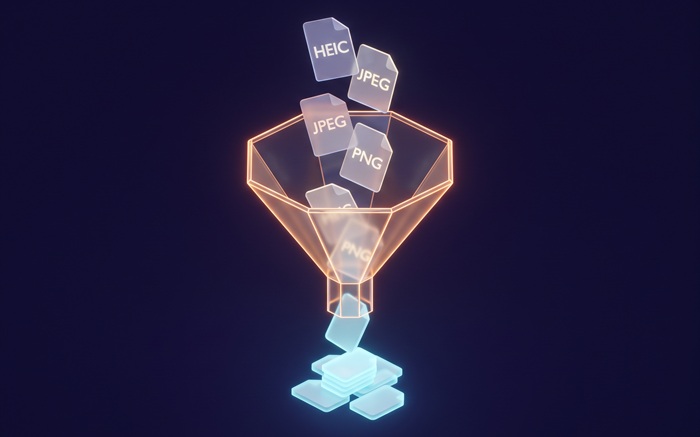
Batch PNG to JPG
Convert PNG to JPG with adjustable quality
Drop PNG files or folder here
Click to browse — supports .png
Tips
PNG — Lossless with transparency. Ideal for editing and design.
JPG — Universal format. Works on every device and platform.
Privacy — Everything happens in your browser. Your PNG files are not uploaded.
Batch — Add many PNG files at once. Failed items are skipped automatically.
How to Convert PNG to JPG
Drop your PNG files
Drag images from your computer, or click to browse. We accept .png files.
Convert instantly
The tool reads each PNG file locally in your browser using the Canvas API. Your files are not uploaded to any server.
Download JPG
Download JPG — universal on every device. Transparent areas are filled with white. Use the quality slider to balance size and fidelity.
About PNG to JPG
PNG is the right choice when you need lossless quality or a transparent background. It preserves every pixel, which makes it ideal for logos, screenshots, and design assets. The downside is file size. A PNG photograph can be several times larger than the equivalent JPG, which matters when you are sharing by email, uploading to a gallery, or printing through a service that caps file size.
This tool converts PNG files to JPG directly in your browser. JPG is supported by every device, browser, and print service without extra software. Because JPG does not support transparency, transparent areas are filled with a white background before conversion. The conversion runs locally using the Canvas API; your images stay on your device.
Use the quality slider to choose between smaller files and higher fidelity. At the default 90% quality, the difference from the original is usually invisible. Output keeps the original resolution and works on every device. Transparent areas are filled with white. We do not add watermarks or impose usage limits.
Frequently Asked Questions
Why convert PNG to JPG?
JPG files are smaller and open on every device, browser, and print service. If you do not need transparency and want easier sharing, uploading, or printing, JPG is the more practical format.
What happens to transparency?
JPG does not support transparency. Any transparent areas in the source PNG are filled with a white background before conversion. The rest of the image is preserved at the quality level you select.
Will the image quality be preserved?
Resolution and color accuracy are fully preserved. JPG is a lossy format, so some data is discarded during compression. At the default 90% quality, the difference is invisible to the naked eye. You can lower the slider for smaller files, though values below 70% may introduce visible artifacts.
Is there a file size limit?
There is no hard limit. Since processing runs locally in your browser, the practical limit depends on your device's memory. Most PNG images convert instantly.
Do I need to sign up or pay?
No. You can convert as many files as you want without signing up. We do not watermark output or limit usage.
Is my photo data safe?
Yes. All conversions run in your browser using the Canvas API. Your images stay on your device and are not uploaded or logged.