Batch Markdown to PDF
Convert Markdown files to PDF documents in your browser
Drop Markdown files or folders here
Click to browse — supports .md, .markdown, .mdx
Tips
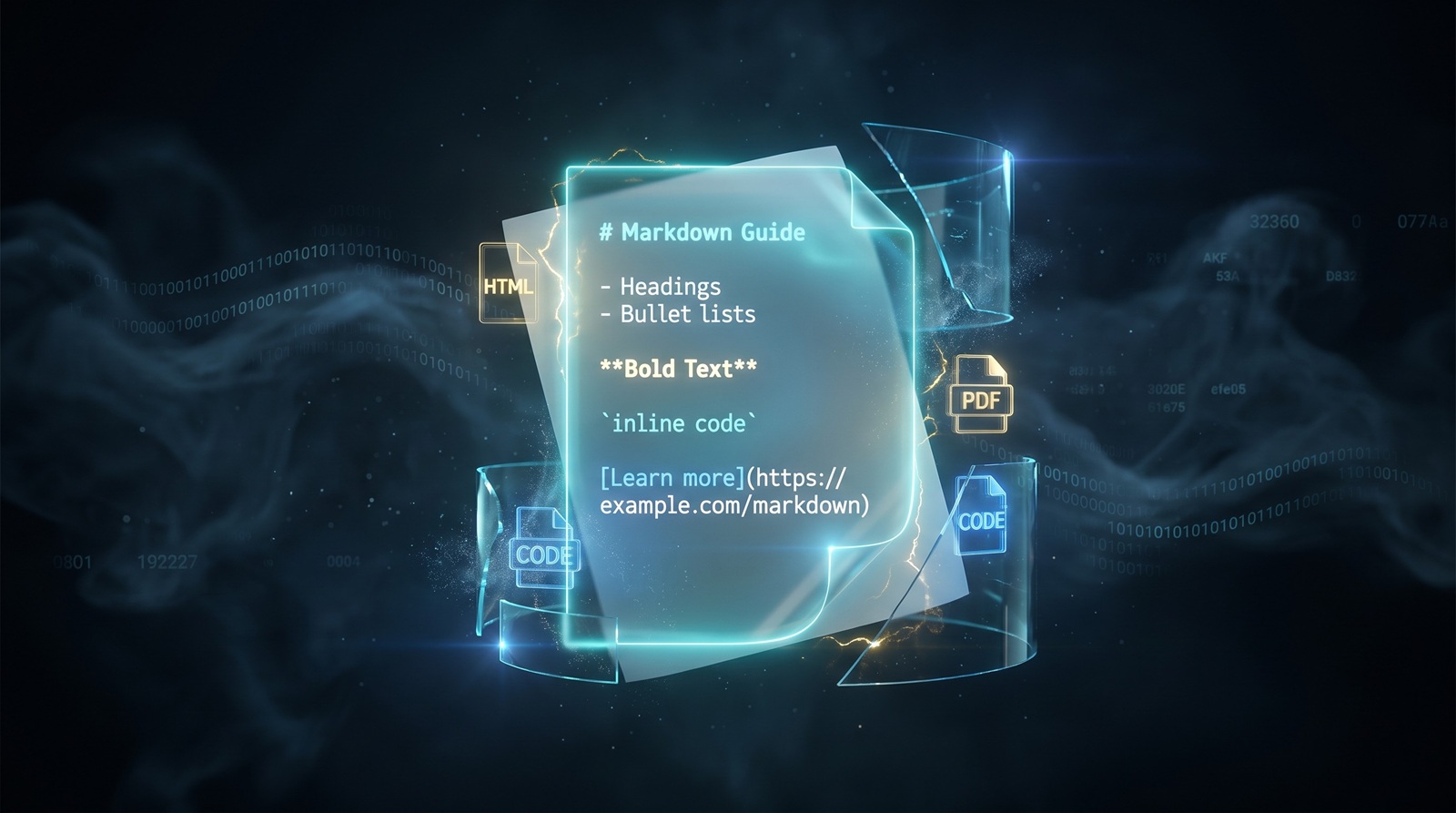
Markdown — Plain text with simple formatting. Widely used for docs and notes.
PDF — Fixed-layout document. Opens the same way on any device.
Privacy — Rendering runs locally in your browser. Your files are not uploaded.
Batch — Each Markdown file becomes one PDF. Multiple files download as a ZIP.
Try Next
How to Convert Markdown to PDF
Drop your Markdown files
Drag .md, .markdown, or .mdx files from your computer, or click to browse. We accept multiple files at once.
Render locally
The tool parses each Markdown file in your browser and renders it as a styled PDF. Your files stay on your device.
Download PDF
Save the rendered document as a .pdf file. Formatting for headings, lists, links, and code is preserved.
About Markdown to PDF
Markdown is the standard format for README files, documentation, and notes, but not everyone can read raw .md files. Converting Markdown to PDF gives you a formatted document that opens on any device and prints well.
This tool parses each Markdown file in your browser and renders it as a PDF page. Headings, paragraphs, lists, links, code blocks, and blockquotes are styled consistently. Your files stay on your device; nothing is uploaded.
Output is a single PDF per Markdown file. The renderer uses standard fonts and a simple A4 layout. We do not add watermarks or impose usage limits.
Frequently Asked Questions
Why convert Markdown to PDF?
PDF is a fixed-layout document format that opens on any device. Converting Markdown to PDF gives you a shareable, printable file from plain text notes or documentation.
What is PDF format?
PDF (Portable Document Format) preserves fonts, layout, and formatting across different devices and operating systems. It is the standard format for sharing documents that need to look the same everywhere.
Will the formatting be preserved?
Headings, paragraphs, lists, links, code blocks, and blockquotes are styled consistently in the output PDF. Inline formatting like bold, italic, and strikethrough is also preserved.
Is there a file size limit?
There is no hard limit. Since processing runs locally in your browser, the practical limit depends on your device's memory and the length of the Markdown file.
Do I need to sign up or pay?
No. You do not need to register, and we never add watermarks or charge for output. The tool is free to use, with no limits.
Is my Markdown data safe?
Yes. The conversion runs entirely in your browser. Your Markdown files are not uploaded, stored, or logged.