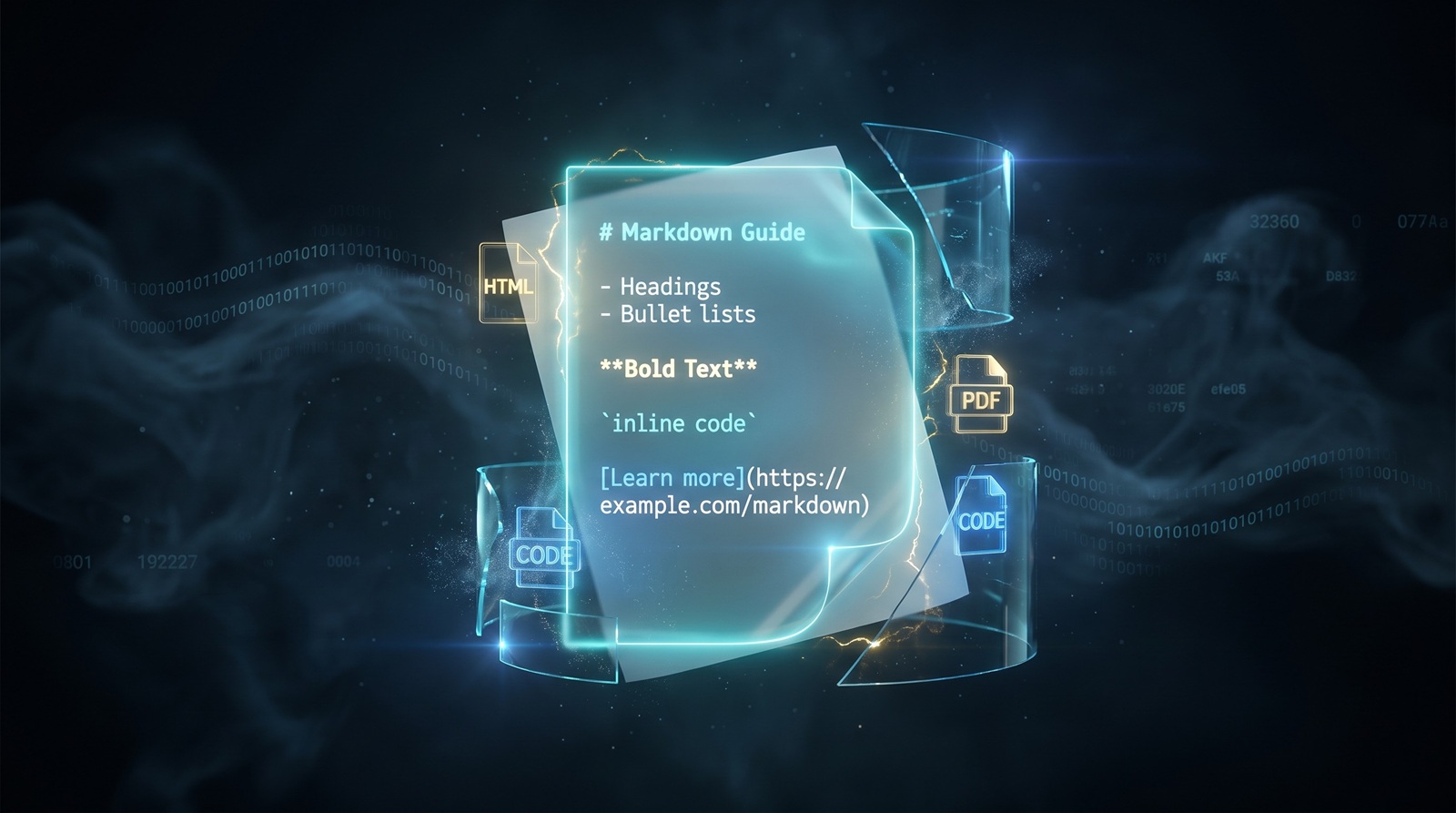
Open any GitHub repository. The first thing you see is not the code — it is a README.md. That file is usually written in Markdown, and it is the single most-read document in the project. Job postings, academic papers, and legal contracts rarely live in Markdown, but an enormous amount of the web's technical writing does. Understanding why means going back to a format designed to be read before it is rendered.
Where Markdown came from
In 2004, John Gruber, a technology writer, published the Markdown syntax specification with input from Aaron Swartz. Gruber's goal was practical: he wanted a way to write for the web that looked good in plain text and could be turned into HTML later. The web at the time ran on tags. Writing a blog post meant wrapping every paragraph, list, and link in angle brackets. Gruber found that noise unnecessary for the kind of prose most people were publishing.
The result was a small set of conventions:
- Headings use
#symbols. - Lists use
-or*. - Links use
[text](url). - Emphasis uses
*text*or_text_. - Code uses backticks.
These conventions were borrowed from email conventions, Usenet, and plain-text habits that writers already knew. Markdown did not invent much. It just wrote the rules down.
Gruber also released a reference implementation, Markdown.pl, a Perl script that converted the syntax to HTML. The combination of a readable source format and a deterministic output format made it easy to adopt. Writers got a file they could edit in any text editor. Publishers got clean HTML they could style with CSS.
Markdown is not HTML
This sounds obvious, but the distinction matters technically. HTML is a structured document format. It describes elements, attributes, nesting, and behavior. A browser does not care how the source looks to a human; it cares about the DOM it can build from the markup.
Markdown is a writing convention. It has no DOM, no event handlers, no forms, no metadata schema beyond what frontmatter users add. It is closer to a shorthand than a markup language. When you run Markdown through a parser, the output is usually HTML, but Markdown itself is only concerned with the parts of a document that a writer types by hand: headings, paragraphs, emphasis, lists, links, images, and code.
That difference shapes where each format lives:
| Task | Markdown | HTML |
|---|---|---|
| Writing a first draft | Fast, readable in any editor | Verbose, interrupts flow |
| Version control diff | Clean, sentence-level changes | Noisy because of tags |
| Precise layout | Weak by design | Strong |
| Interactivity | None | Native |
| Styling | Delegated to the renderer | Inline or CSS |
HTML is the final page. Markdown is the manuscript.
Why it spread so fast
Three forces pushed Markdown from a niche Perl script into the default language of technical writing.
Version control. As Git became standard, developers started storing documentation alongside code. Plain text won because diffs were readable. HTML and Word documents turn small edits into unreadable blobs in a diff. Markdown stayed legible.
GitHub. In 2009, GitHub began rendering README.md files on repository pages. Suddenly, every project needed a Markdown file. Stack Overflow followed with Markdown for questions and answers. Developers learned the syntax because the platforms they used every day required it.
Static site generators. Tools like Jekyll, Hugo, Gatsby, and later Next.js turned Markdown files into full websites. Writers could publish without a CMS. The source files lived in a Git repository, and a build step generated HTML. That workflow, now called docs-as-code, turned Markdown into the input format for a large slice of the modern web.
Note-taking apps added the final push. Obsidian, Notion, Bear, Logseq, and iA Writer all support Markdown or a close derivative. The format escaped developer tools and became a way to organize personal knowledge.
Will Markdown replace docx and PDF?
No. The question comes up because Markdown feels clean and the other formats feel heavy, but they solve different problems.
A .docx file is a zipped XML package built for rich editing: tracked changes, comments, styles, tables of contents, mail merge, and embedded media. It is the format of contracts, reports, and manuscripts that need round-trip editing by non-technical users.
A PDF is a fixed-layout electronic paper format. It preserves fonts, spacing, and pagination across devices. That is exactly what you want for a final invoice, resume, or academic paper that should look identical everywhere.
Markdown is an interchange format. It is great for drafting, versioning, and publishing to the web. It is terrible at page layout, precise typography, and print-ready output. The realistic workflow is Markdown for writing, then conversion to docx or PDF when the document needs to leave the text editor.
That is also where browser-based converters become useful. When a Markdown draft needs to become a shareable PDF, our Markdown to PDF converter handles the transformation locally. If you are starting from a PDF and want editable Markdown, the PDF to Markdown converter extracts the structure without uploading your file.
What Markdown does well — and where it breaks
Advantages
- Readable source. A Markdown file is almost as clean as the rendered page. You can read it in a terminal, an email client, or a phone notes app.
- Portable. It is plain text. No proprietary vendor, no license, no binary format to corrupt.
- Diff-friendly. Git can show exactly which sentence changed. Writers and reviewers benefit immediately.
- Tool-rich. Every programming language has parsers. Every major platform has editors.
- Web-native. It compiles to HTML, the actual output format of the web.
Limitations
- Ambiguous spec. Gruber's original spec leaves edge cases undefined. Different parsers produce different HTML for the same input. That is why CommonMark exists, but not every tool uses it.
- No layout control. You cannot position images, set page margins, or define print styles without dropping into HTML or CSS.
- Flavor chaos. GitHub Flavored Markdown, Pandoc Markdown, MultiMarkdown, Obsidian Markdown, and MDX all add incompatible extensions. A file written for one tool may misrender in another.
- Tables and footnotes are afterthoughts. They are supported by extensions, not by the core syntax, and their behavior varies.
The honest summary is that Markdown is good at the 90% of writing that is paragraphs, lists, links, and code. It pushes the remaining 10% onto HTML or specialized formats.
Markdown in the AI era
If you have used a large language model, you have seen Markdown. Most chat interfaces render LLM output as Markdown by default. There are practical reasons for that.
First, Markdown is compact. Tokens are expensive, and a format that uses # instead of <h1></h1> saves space. Second, Markdown is structurally simple. Headings, lists, and code blocks are easy for a model to emit and easy for a parser to validate. Third, the training data is full of Markdown. GitHub, Stack Overflow, Reddit, and documentation sites all use it, so models learn the syntax reliably.
Beyond chat output, Markdown has become the storage format for AI knowledge systems. Retrieval-Augmented Generation pipelines often chunk documents into Markdown or plain text because the structure is predictable. Vector databases, note-taking tools, and coding assistants store long-term context as Markdown files because humans can read them and machines can parse them.
The risk is flavor inconsistency. One model outputs GitHub-style tables; another uses HTML for the same table. A knowledge base that mixes flavors can break when it moves between tools. Standardizing on CommonMark or a documented flavor is the only way to keep AI-generated Markdown portable.
The future and evolution of Markdown
Markdown will not become a richer format. Every attempt to make it richer — tables, footnotes, definition lists, attributes — pulls it away from the very simplicity that made it popular. The real evolution is happening in two directions.
Standardization. CommonMark, started in 2014, defines a strict parsing specification. More tools now implement it, which reduces the surprise of moving a file from one parser to another.
Embedding. MDX lets authors import React components inside Markdown. Jupyter notebooks mix Markdown cells with executable code. Static site generators treat Markdown as a data source for structured content. In each case, Markdown stays small, and the surrounding tool adds the power.
The likely future is more of the same: Markdown as the universal plain-text draft format, with converters turning it into HTML, PDF, docx, slides, or whatever the destination requires.
Reading and editing tools by platform
You do not need a special app to use Markdown. Any text editor works. Still, some tools make the experience significantly better.
Windows
- VS Code with Markdown extensions: the default choice for developers. Supports previews, linting, and Markdown-it rendering.
- Typora: a minimal WYSIWYG-style editor that hides syntax until you need it.
- MarkText: an open-source alternative to Typora with a clean split view.
- Notepad++: fine for quick edits, with Markdown syntax highlighting via plugins.
macOS
- iA Writer: focused on distraction-free writing and syntax control.
- Bear: a notes app that uses Markdown-ish syntax for personal knowledge management.
- Ulysses: popular among long-form writers who publish to the web.
- Marked 2: not an editor, but a powerful live preview renderer for files edited elsewhere.
Linux
- Ghostwriter: a distraction-free Markdown editor with live preview.
- Apostrophe: a clean GTK-based editor designed for prose.
- ReText: a simple editor that exports to multiple formats.
- Vim / Neovim / Emacs: unmatched for writers who already live in the terminal.
Cross-platform
- Obsidian: local-first knowledge base with linking, graphs, and plugins.
- Logseq: outliner that stores everything as Markdown or Org files.
- Joplin: open-source note app with end-to-end encryption and Markdown support.
Markdown libraries by language
If you are building software that parses or renders Markdown, you rarely need to write the parser yourself. The ecosystem is mature.
| Language | Library | Notes |
|---|---|---|
| Python | markdown, mistletoe, markdown-it-py | markdown is the classic; markdown-it-py is a CommonMark-compliant port |
| JavaScript / TypeScript | marked, markdown-it, remark / unified | remark is part of the unified ecosystem for AST-based processing |
| Go | goldmark, blackfriday | goldmark is CommonMark-compliant and extensible |
| Rust | pulldown-cmark, comrak | Fast, safe, CommonMark-focused |
| Ruby | redcarpet, kramdown | redcarpet is GitHub-flavored; kramdown is the Jekyll default |
| Java | commonmark-java, flexmark-java | flexmark supports many Pandoc-style extensions |
| C# | Markdig | Highly extensible, used by static site generators like Statiq |
Most of these libraries handle the core syntax well. The differences show up in extensions, performance, and how strictly they follow CommonMark. Choose based on the flavor you need to support, not just the language you are using.
The bottom line
Markdown did not win because it is powerful. It won because it stays out of the way. A writer can open any text editor, type a document, and commit it to version control without thinking about file formats. The trade-off is intentional: Markdown gives up layout precision in exchange for portability and readability.
That trade-off is why it powers READMEs, documentation, static sites, note apps, and now AI output. It is also why it will keep living alongside docx and PDF. Each format has a job. Markdown's job is to be the plain-text starting point. When you need to move that starting point into a richer format, a converter is usually the next step.