Batch PDF to Markdown
Convert PDFs to editable Markdown in your browser
Drop PDF files or folders here
Click to browse — supports .pdf
Tips
PDF — Portable Document Format. Great for sharing, harder to edit.
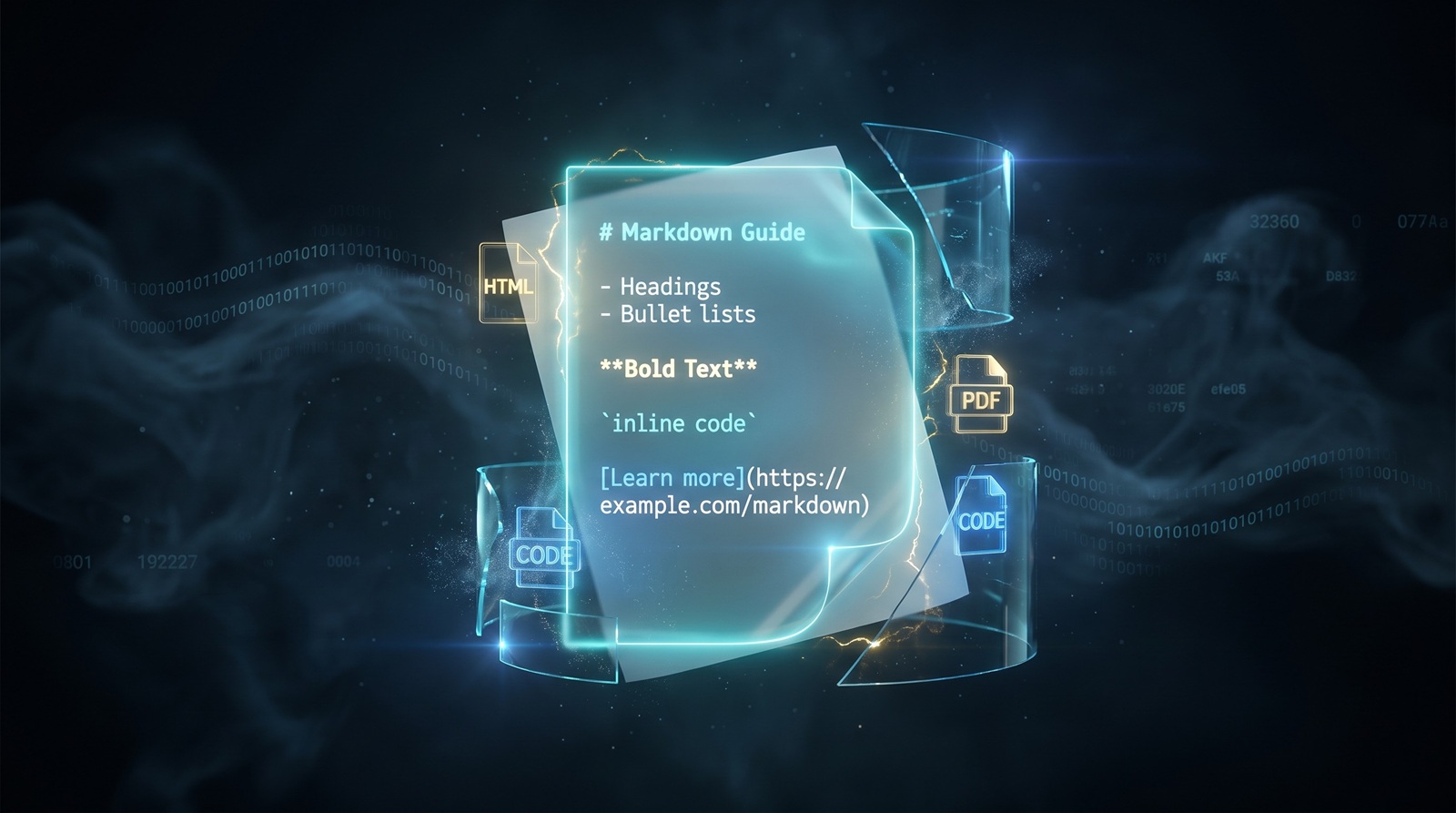
Markdown — Plain text with simple formatting. Edits in any text editor.
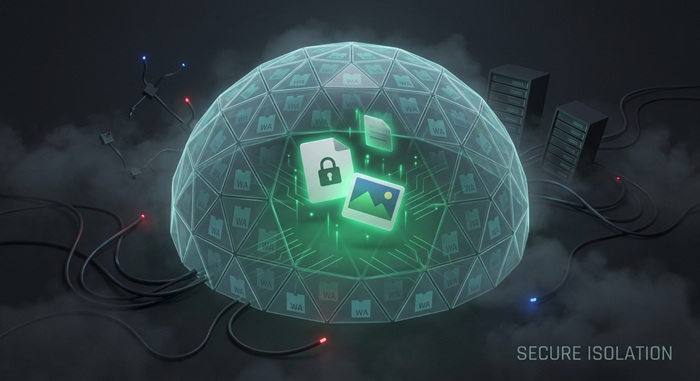
Privacy — Text extraction runs locally in your browser. Your PDFs are not uploaded.
Batch — Each PDF becomes one Markdown file. Multiple files download as a ZIP.
Try Next
How to Convert PDF to Markdown
Drop your PDF files
Drag PDFs from your computer, or click to browse. We accept multiple files at once.
Extract text locally
The tool reads each PDF in your browser and pulls out headings, paragraphs, lists, and code blocks as Markdown. Nothing is sent to a server.
Download Markdown
Save the extracted text as a .md file. You can edit it in any text editor or publish it directly.
About PDF to Markdown
PDFs preserve visual layout, but the text inside them is hard to edit, quote, or reuse. Converting a PDF to Markdown gives you a plain-text version with headings, lists, and paragraphs formatted for editors, wikis, and static site generators.
This tool extracts the text structure from each PDF directly in your browser. It produces Markdown with headings, paragraphs, lists, code blocks, and links when the original layout makes them clear enough to identify. Nothing is uploaded to a server.
Output is a single .md file per PDF. Complex layouts, tables, and embedded images may not translate perfectly. We do not add watermarks or impose usage limits.
Frequently Asked Questions
Why convert PDF to Markdown?
Markdown is easy to edit, search, and publish. Converting a PDF to Markdown gives you structured plain text you can use in editors, wikis, and static site generators.
What is Markdown format?
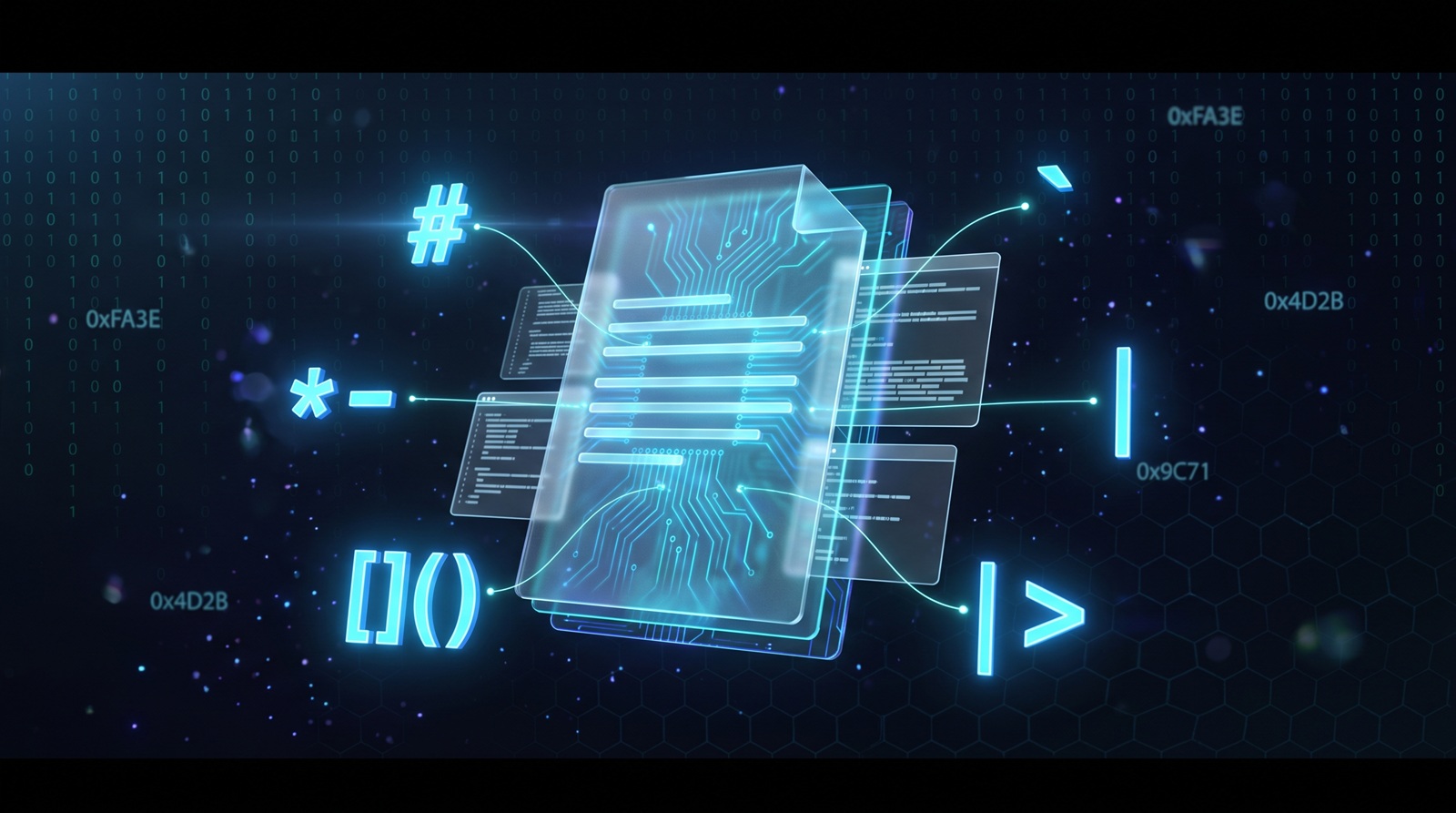
Markdown is a lightweight markup language that uses plain text symbols like # for headings and - for lists. It converts cleanly to HTML, PDF, and other formats, and can be edited in any text editor.
Will the formatting be preserved?
The tool preserves headings, paragraphs, lists, code blocks, and links when the PDF layout makes them clear enough to identify. Complex tables, multi-column layouts, and embedded images may not translate perfectly.
Is there a file size limit?
There is no hard limit. Since processing runs locally in your browser, the practical limit depends on your device's memory and the size of the PDF.
Do I need to sign up or pay?
No. No account is required and no watermark is added. The tool is free to use, with no limits.
Is my PDF data safe?
Yes. The conversion runs entirely in your browser using pdf2md. Your PDFs are not uploaded, stored, or logged.