Batch Image to TXT
Extract text from images with OCR in your browser
Drop images or folders here
Click to browse — supports .jpg, .png, .webp, .bmp, .gif
Tips
OCR — Optical character recognition. Turns text in images into editable words.
Languages — Twelve languages supported. English and the site language are preselected; combine several for mixed text.
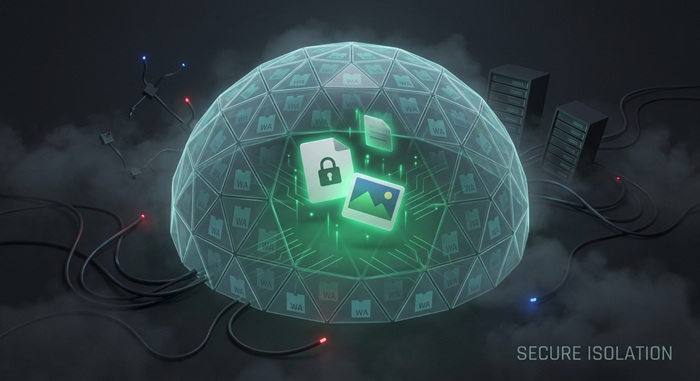
Privacy — Recognition runs locally in your browser. Your images are not uploaded.
Batch — Each image becomes one .txt file. Multiple files download as a ZIP.
How to Convert Images to Text
Drop your images
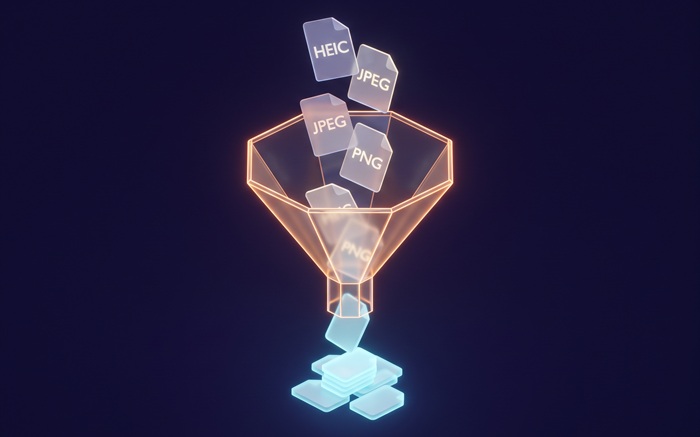
Drag JPG, PNG, WebP, BMP, or GIF files from your computer, or click to browse. We accept multiple files at once.
Pick a language and extract
Choose the language of the text in your images, then start the extraction. The tool recognizes each image locally in your browser. Nothing is sent to a server.
Copy or download the text
Preview the recognized text, copy it to your clipboard, or save it as a .txt file. Multiple files download as a ZIP.
About Image to Text
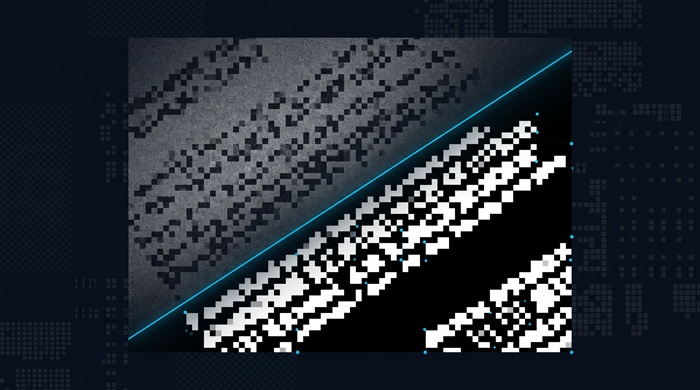
Scanned documents, screenshots, and photos of signs or receipts all lock text inside pixels. OCR (optical character recognition) turns that text back into words you can search, edit, and paste anywhere.
This tool runs the Tesseract OCR engine in your browser through WebAssembly. It recognizes twelve languages: English, Spanish, French, German, Portuguese, Italian, Simplified and Traditional Chinese, Japanese, Korean, Hindi, and Russian. English plus the site language are preselected, and you can combine several languages for mixed-language images. Your images never leave your device.
Clean, well-lit printed text gives the best results. Handwriting, heavy blur, and stylized fonts are harder to read correctly. Each image becomes one .txt file. We do not add watermarks or impose usage limits.
Frequently Asked Questions
What image formats are supported?
JPG, PNG, WebP, BMP, and GIF. HEIC photos from iPhones are not supported here, but you can convert them to JPG first with our HEIC to JPG tool.
Which languages can it recognize?
Twelve: English, Spanish, French, German, Portuguese, Italian, Simplified and Traditional Chinese, Japanese, Korean, Hindi, and Russian. The tool preselects English plus the language of the site, and you can select several at once for mixed-language images.
How accurate is the text extraction?
Sharp, high-contrast printed text usually converts with few mistakes. Low resolution, blur, skewed photos, handwriting, and decorative fonts lower accuracy, so check the preview before you copy.
Is there a file size or batch limit?
There is no hard limit. Since recognition runs locally in your browser, speed depends on your device. Large batches are processed one image at a time.
Do I need to sign up or pay?
No. No account is required and no watermark is added. The tool is free to use, with no limits.
Is my image data safe?
Yes. Recognition runs entirely in your browser using the Tesseract engine compiled to WebAssembly. Your images are not uploaded, stored, or logged.